
What HamQSO Pro includes
What HamQSO Pro unlocks and what stays free, how to spot a Pro feature by its badge, and the Pro card in the Profile.
Free and ProUpdated for HamQSO 0.1.19
On this page
HamQSO Pro is one subscription that unlocks everything at once: alerts, radio control (CAT), coverage tests, eQSL and callsign protection. Here you find what it includes, what stays free and how to recognise a Pro feature while you use the app.
What Pro includes
Above the plans every paywall says it in one line: "One subscription for everything: alerts, radio, coverage tests and eQSL." The paywall on phone and tablet also has the list Everything included in Pro: when you reach it from a feature (for example from Connect via CAT), the line of that feature is highlighted with a check mark; the other lines remind you that the same subscription covers them too.
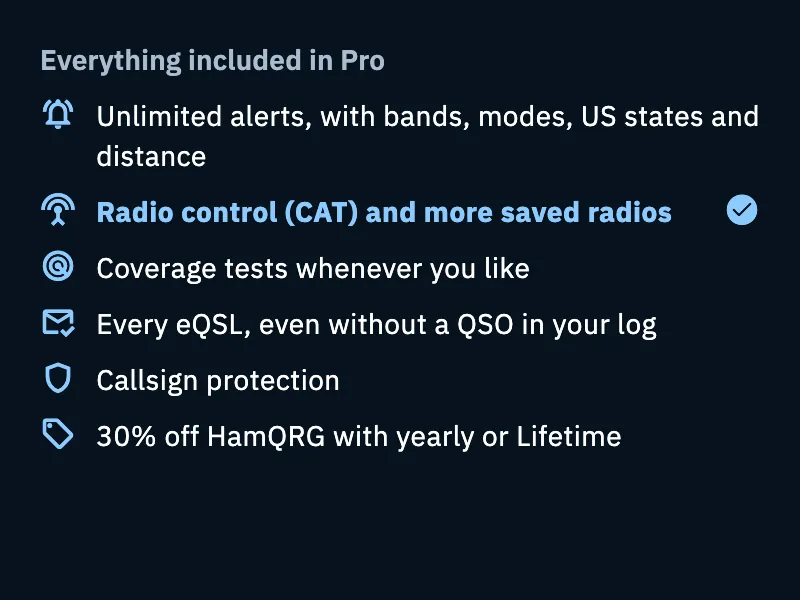
| Line of the list | Without Pro | With Pro |
|---|---|---|
| Unlimited alerts, with bands, modes, US states and distance | One active alert at a time, with callsigns, countries and references, one band and one mode | Unlimited alerts, several bands or modes together, US states, Maximum distance and the When you get spotted switch |
| Radio control (CAT) and more saved radios | The list of radios is free and the same on all your devices; a radio with CAT can be chosen but does not connect | The radio connects via CAT: it goes to the spot's frequency with one tap and your spots go out with the right frequency |
| Coverage tests whenever you like | The first test is free | Running the test again, Save the test and Share; you find the saved tests in My coverage |
| Every eQSL, even without a QSO in your log | Received eQSLs that have no QSO in your log stay hidden | You see them, add them to your log or match them to the right QSO; plus the editor of your own card (Create your own: texts, photos, shapes and layers, front and back) |
| Callsign protection | A weekly notification if someone used your callsign, without the details | Every notice with who, from where, band, mode and UTC time, and you answer whether it was you |
| 30% off HamQRG with yearly or Lifetime | — | The discount on the HamQRG app, with the yearly or the Lifetime plan |
Everything that is not in this list is free.
For the details of each feature see Creating an alert, Connecting your radio, Running a coverage test, Designing your own card, Cards received from eQSL.cc and Protecting your callsign.
How to recognise a Pro feature
Pro features are never hidden: without Pro you see them with the Pro badge next to them, and a tap opens the paywall of that feature. You find it for example on Connect via CAT and on the HamQSO Pro line at the top of a radio's details, on Run the test of the coverage test (the first test stays free anyway), on Save the test and Share of the result, on US states and Maximum distance in the alert editor, on the When you get spotted card, on Create your own in Models and in the eQSL editor.
Once you have Pro the badge disappears from these features. On the alerts page, instead, it shows next to the count of active alerts, to tell you that you are Pro.
- Tap a feature with the Pro badge.
- The paywall opens, or first a sheet that explains what is already ready and why it needs Pro.
- In the sheet tap See Pro to open the paywall, or Not now to close it and go on without Pro.
- If you subscribe from the paywall you go back where you were and the action goes on: the chosen radio connects (or the guide to connect it opens), the editor of the new alert opens, the coverage test starts.
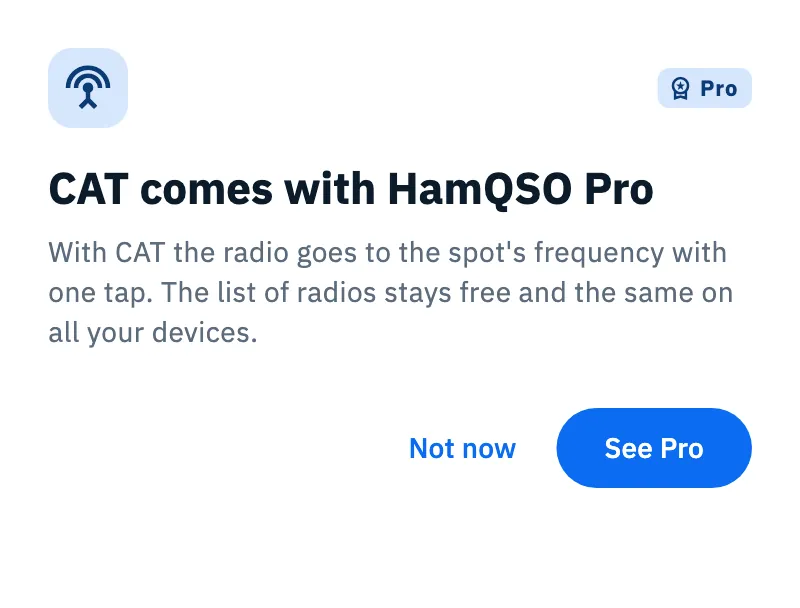
There are three sheets that explain a block:
| When | Title of the sheet |
|---|---|
| You tap Connect via CAT without Pro | "CAT comes with HamQSO Pro" |
| You choose a saved radio with CAT for an operation | "Your IC-705 is ready" (with your radio's model, or "Your radio is ready"): the radio becomes the one in use but does not connect. The sheet shows once per session |
| You create or resume a second alert while one is already active | "You already have an active alert": for a new alert it says how many stations the active one found today; to resume one it suggests pausing the active one |
The other Pro features open the paywall straight away. The app opens the paywall by itself in one case only: after the result of your first, free coverage test, and only if you have not already seen a paywall in this session.
The Pro card in the Profile
Without Pro, the Profile has a card under your own card: "Tap a spot, the radio goes there." and "CAT, unlimited alerts and coverage tests, eQSL HamQSO."
- Open Profile.
- Tap the Pro card (the whole card is a button).
- The general paywall opens: on phone and tablet the Everything included in Pro list has no line highlighted.
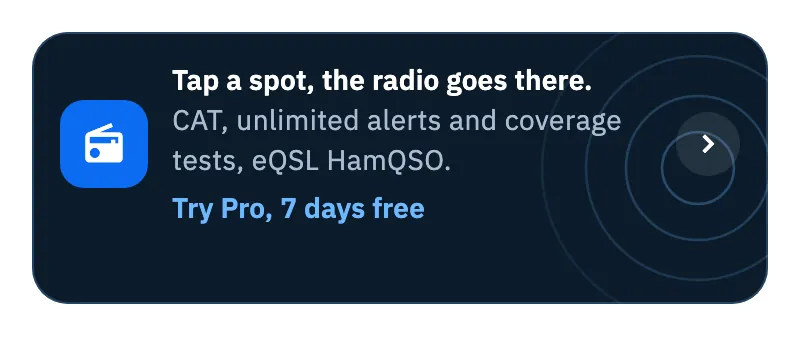
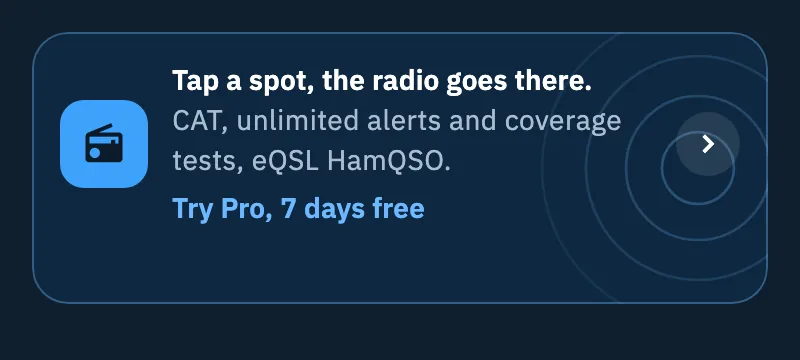
The card's action is Try Pro, 7 days free (with the days the store offers) when there is a free trial, otherwise Discover Pro. Until the plans are loaded, or while offline, it reads Discover Pro. Once you are Pro the card disappears.


Phone, tablet and web
- Pro belongs to your account: bought on the web it also works in the phone app, and the other way round, when you sign in with the same account.
- The list Everything included in Pro is in the paywall on phone and tablet; on the web and on the computer the paywall shows the one-subscription line above the plans.
- On a phone the explanation sheet slides up from the bottom; on a tablet and in the computer window it is a dialog in the middle of the screen.
- The Pro card of the Profile has its action as a third line with an arrow on a phone; as a pill on the right on tablet, web and computer.
Troubleshooting
- The paywall says "Plans load when you are online. If you already have Pro, it stays active." You are offline: the plans arrive when you are back online. If you already have Pro you lose nothing.
- You bought Pro on another device and here you still see the Pro badge. Check that you are signed in with the same account (see Account); from the paywall you can also use Restore purchases (see Managing your subscription).
- You chose a radio but it does not connect. Without Pro a radio with CAT can be chosen but does not connect: it is the block the "Your … is ready" sheet explains.