
Taking part in a contest
Get notified when a contest starts and ends, a reminder an hour before, and a reminder to send your log before the deadline.
FreeUpdated for HamQSO 0.1.19
On this page
With Take part you get the notifications of a contest: one hour before the start, at the start, at the end, and two reminders to send your log before the deadline. Taking part is not a registration and your log does not change: without Take part, no notification comes from a contest. It is free.
Taking part in a contest
- Open the Contest calendar (in Profile, group Tools). See The contest calendar.
- In the Days view, tap the bell on the right of the contest's row. Or open the contest and tap Take part: on a phone it is in the bar at the bottom of the page, on a tablet and on the web in a wide window it is at the top, next to the name. With a keyboard, press P on the selected contest.
- The «Take part in …» sheet opens, with the contest's date and times in local time and UTC.
- Choose which notifications you want with the three switches Start, End and Hints (see below).
- Tap Take part.
- The first time, the phone (or the browser, on the web) asks your permission for notifications, as the sheet warns. Allow them, or nothing arrives.
- «You take part in …. Your log does not change.» appears, with Undo in case you got it wrong.
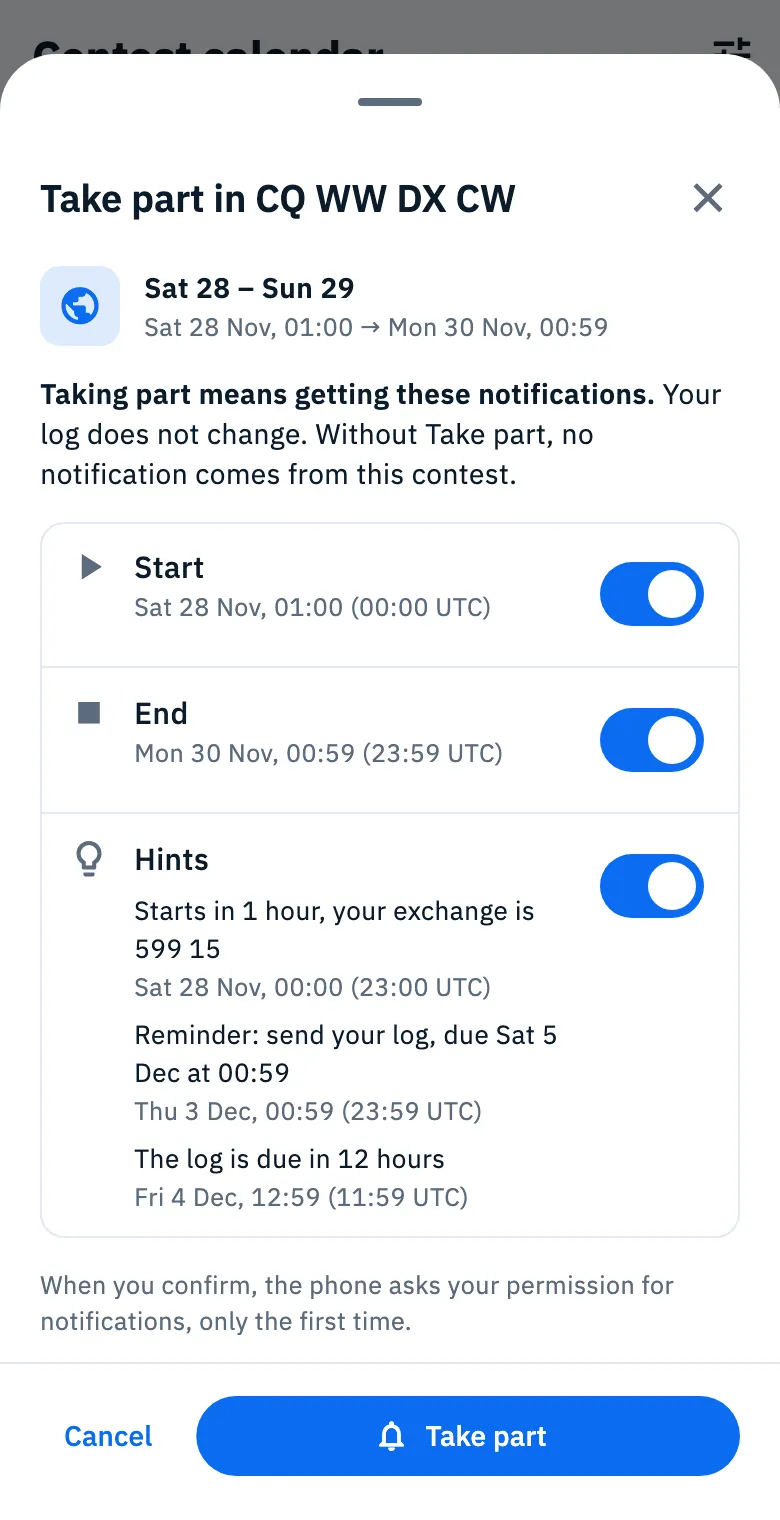
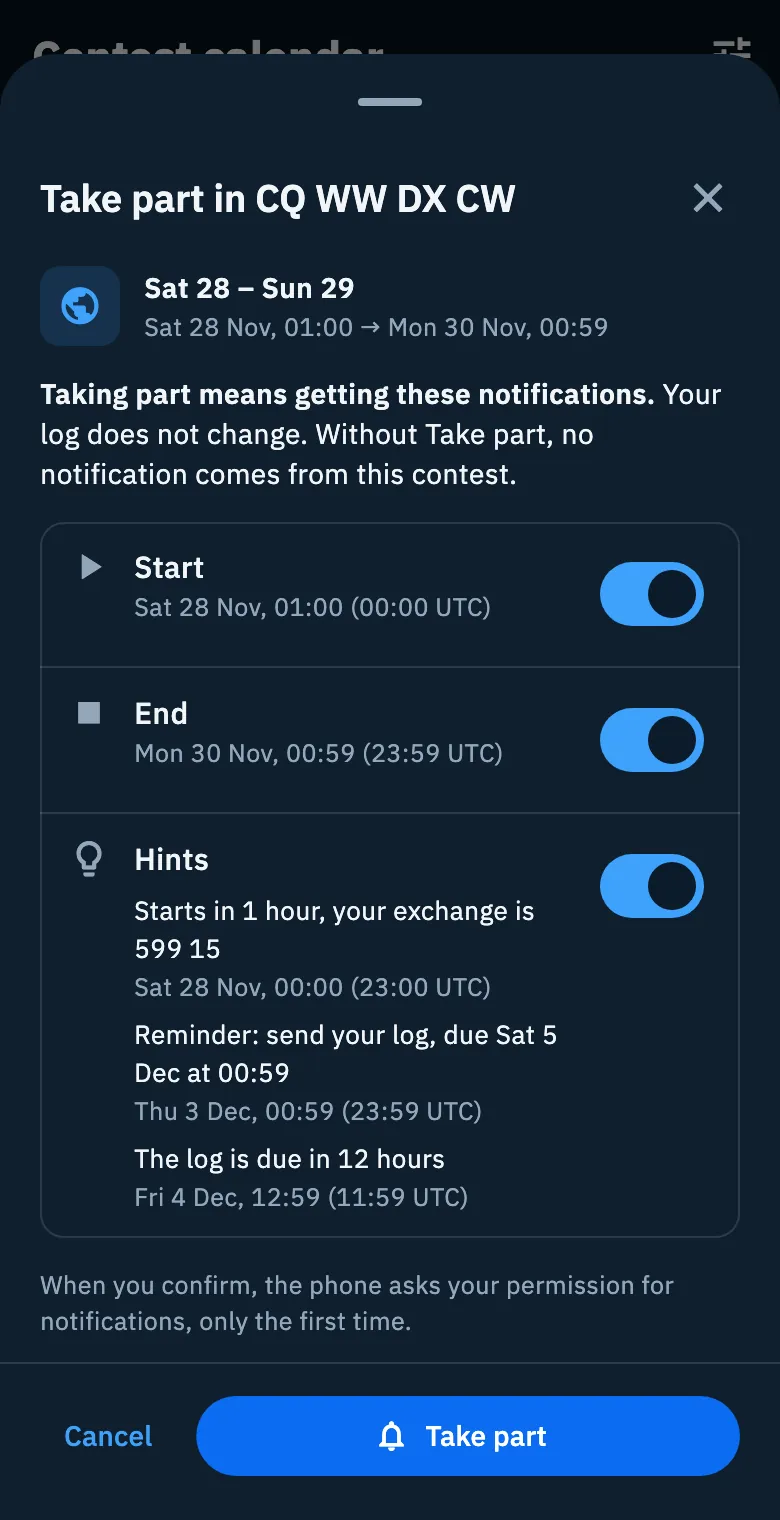
From then on the contest's bell is filled and the button becomes Taking part. The Taking part chip shows only the contests you take part in (see Filtering the calendar).
The notifications you can get
| Switch | What you get | On at first |
|---|---|---|
| Start | A notification when the contest starts. The sheet shows day and time | Yes, if the start is still ahead |
| End | A notification when the contest ends | Yes, if the end is still ahead |
| Hints | «Starts in 1 hour» one hour before the start; «Reminder: send your log, due … at …» 2 days before the log deadline; «The log is due in 12 hours» 12 hours before the deadline | Yes, if at least one is left |
- If the app can work out your exchange for that contest (from your callsign and your locator), the one-hour hint becomes «Starts in 1 hour, your exchange is …».
- The two log hints exist only when the contest's log deadline is known.
- A switch whose moment has already gone is off and grey, with «Already past». When no hint is left you read «None left to come».
- The lead times are fixed (1 hour before the start, 2 days and 12 hours before the log deadline) and cannot be changed.
- If you turn every switch off, the button is disabled: «With every notification off there is nothing to receive. Turn on at least one.».
A contest that is over, with the log deadline already past (or no known deadline), no longer has Take part: there is nothing left to receive.
Seeing and changing your notifications
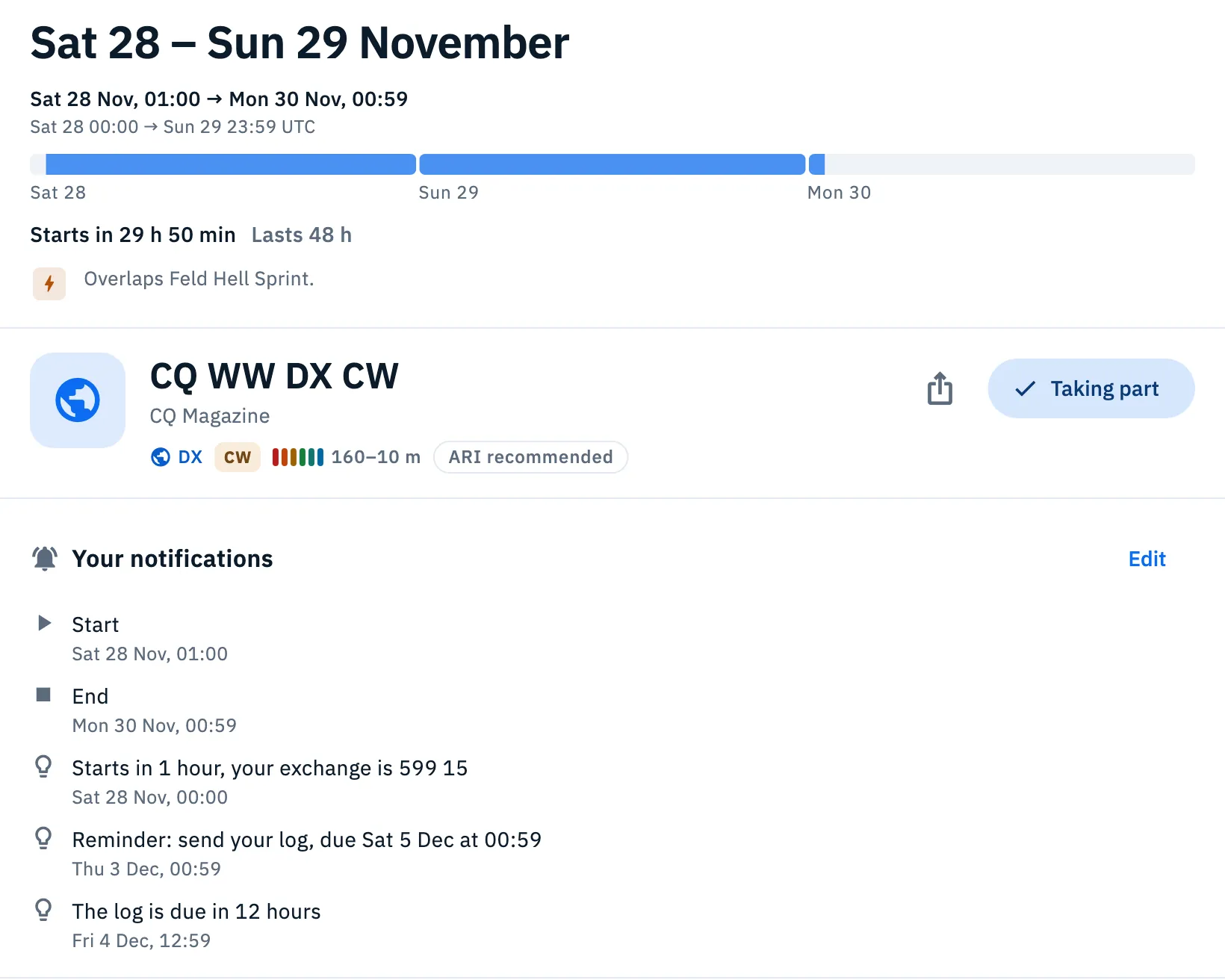
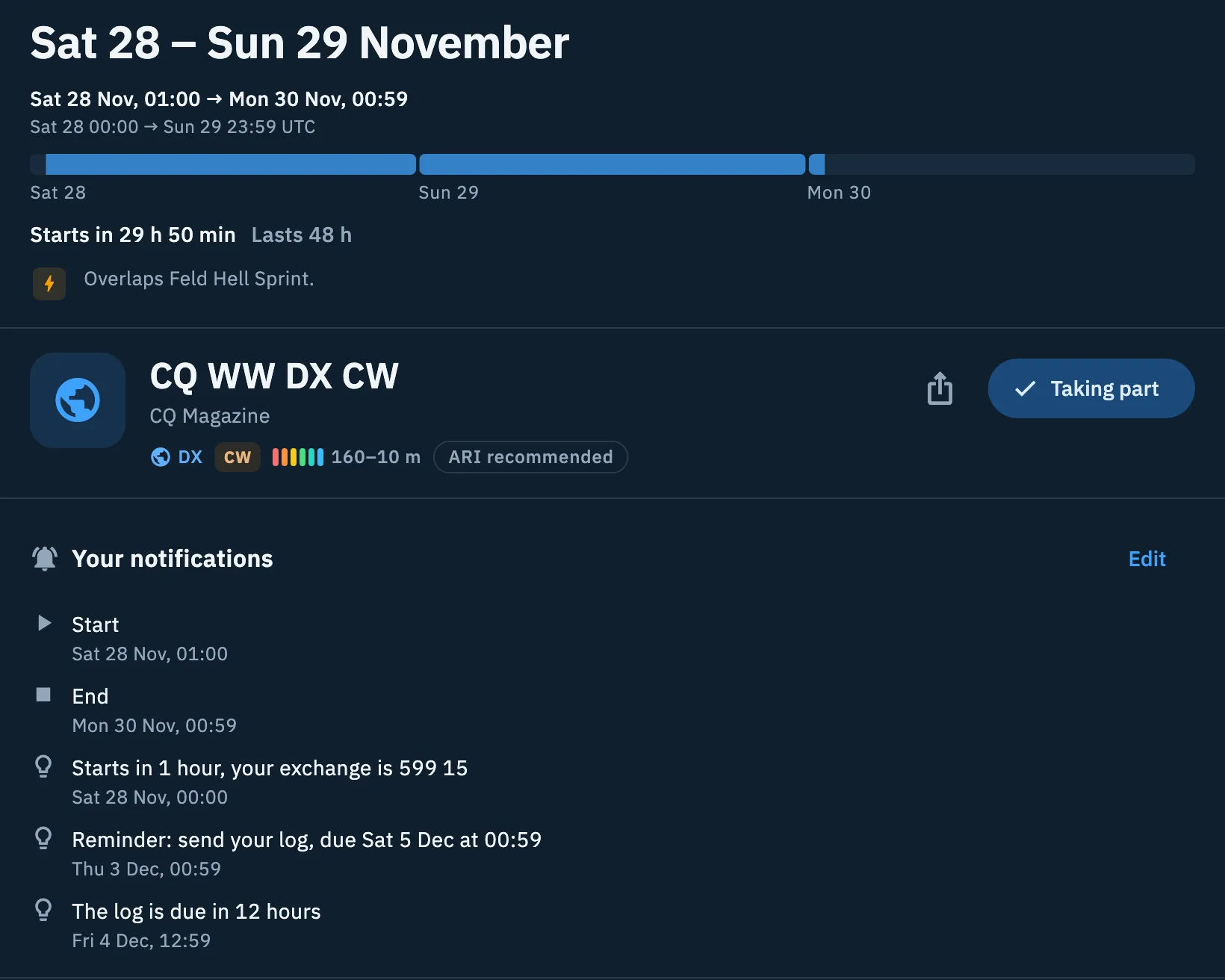
In the detail of a contest you take part in, the first section is Your notifications: the list of what will arrive, each with its day and local time.
- Open the contest from the calendar.
- Read the rows of Your notifications. When they have all gone you read «No more notifications to come for this contest.».
- To change them, tap Edit (or Taking part, or the bell): the «Taking part in …» sheet opens again.
- Change the switches and tap Save: «Notifications updated» appears.
Stopping taking part
- Tap Taking part in the detail, or the contest's bell in the calendar.
- In the sheet, tap Stop taking part.
- «You no longer take part in …. No more notifications.» appears, with Undo if you change your mind.
When the notifications arrive
The server sends the notifications, even with the app closed: on a phone as push notifications, on the web as browser notifications. The title is the contest's name, the text for example «Starts in 1 hour», «It has started», «It has ended», «Send your log: due in 2 days» or «Send your log: due in 12 hours»; the one-hour notification adds «Your exchange: …» when it can be worked out.
- If two notifications of the same kind come in the same minute (for example two contests you take part in starting together), you get a single one with all the names. In that case there is no exchange.
- Tap the notification: the contest's detail opens. If the notification is about several contests, the first one opens.
- The log reminders arrive even if your log has no QSOs on those dates: the app does not know whether you operated the contest or already sent the log.
The app's other notifications are explained in Getting notifications.
The lines at the top of the calendar
Above the days of the calendar a line says where notifications come from:
- «No notifications on. They come only from the contests you take part in.» if you take part in no contest;
- «You take part in 2 contests. Notifications come only from them.» (or «… in 1 contest. … only from it.»). It counts only the contests that can still send you something.
Above this line some orange notices can appear.
Notifications off
If you refused the notification permission and take part in at least one contest, you read «Notifications are off in the phone settings.» (on the web «… in the browser settings.») with «Your contests cannot notify you until you turn them back on.».
- Tap Open the settings: the system settings for HamQSO open.
- Turn notifications back on.
- Go back to the app: the notice goes away by itself.
On the web there is no button: turn notifications back on in the browser's settings for the site.
Log to send
One notice for each contest: after the end of a contest you take part in with Hints on, until the log deadline has passed, you read «Send your … log» with «By … (… UTC).».
- Tap Open the Log: All QSOs opens with only the QSOs made between the start and the end of the contest.
- Or tap How to send it: the contest's detail opens, with the Sending the log section near the top.
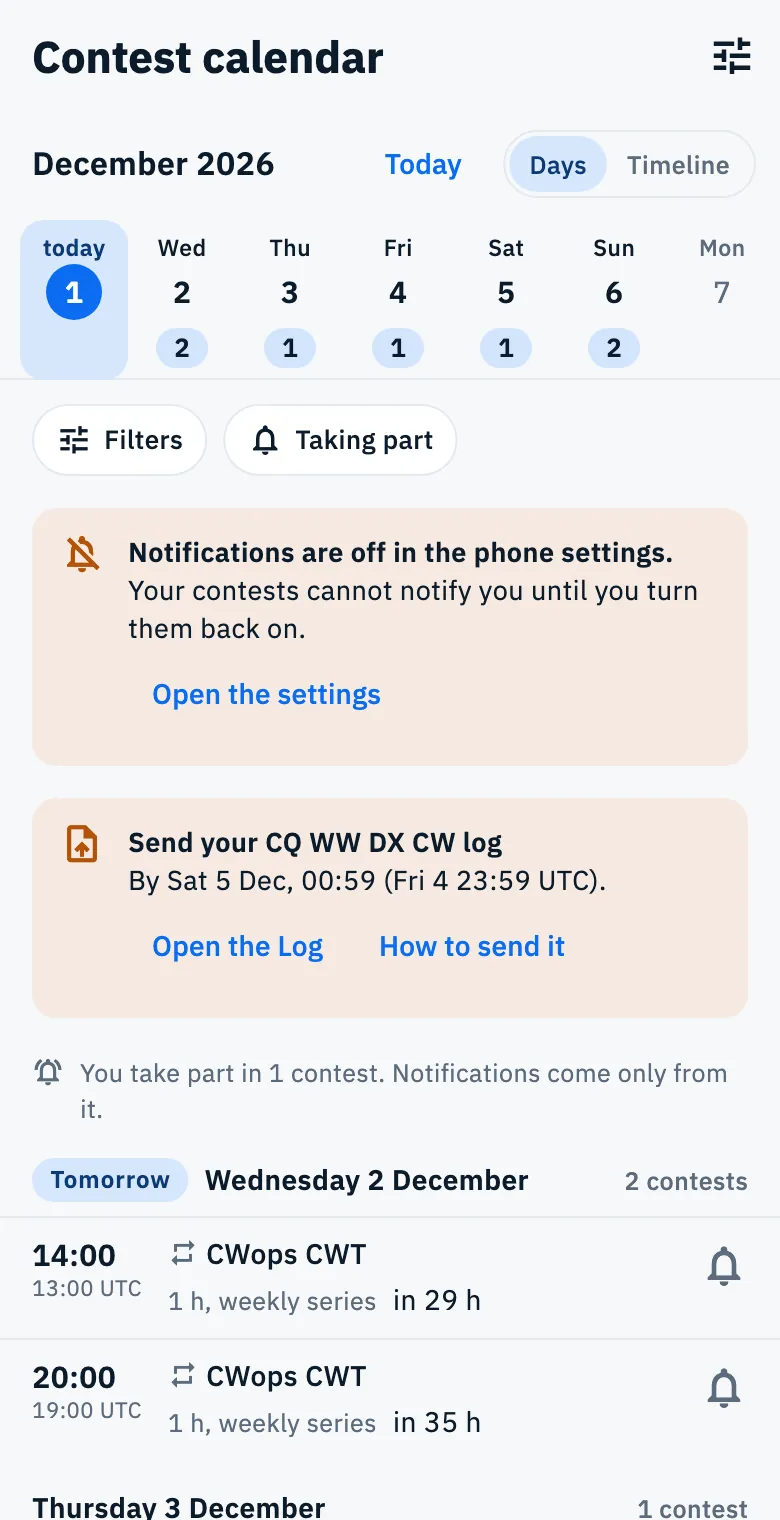
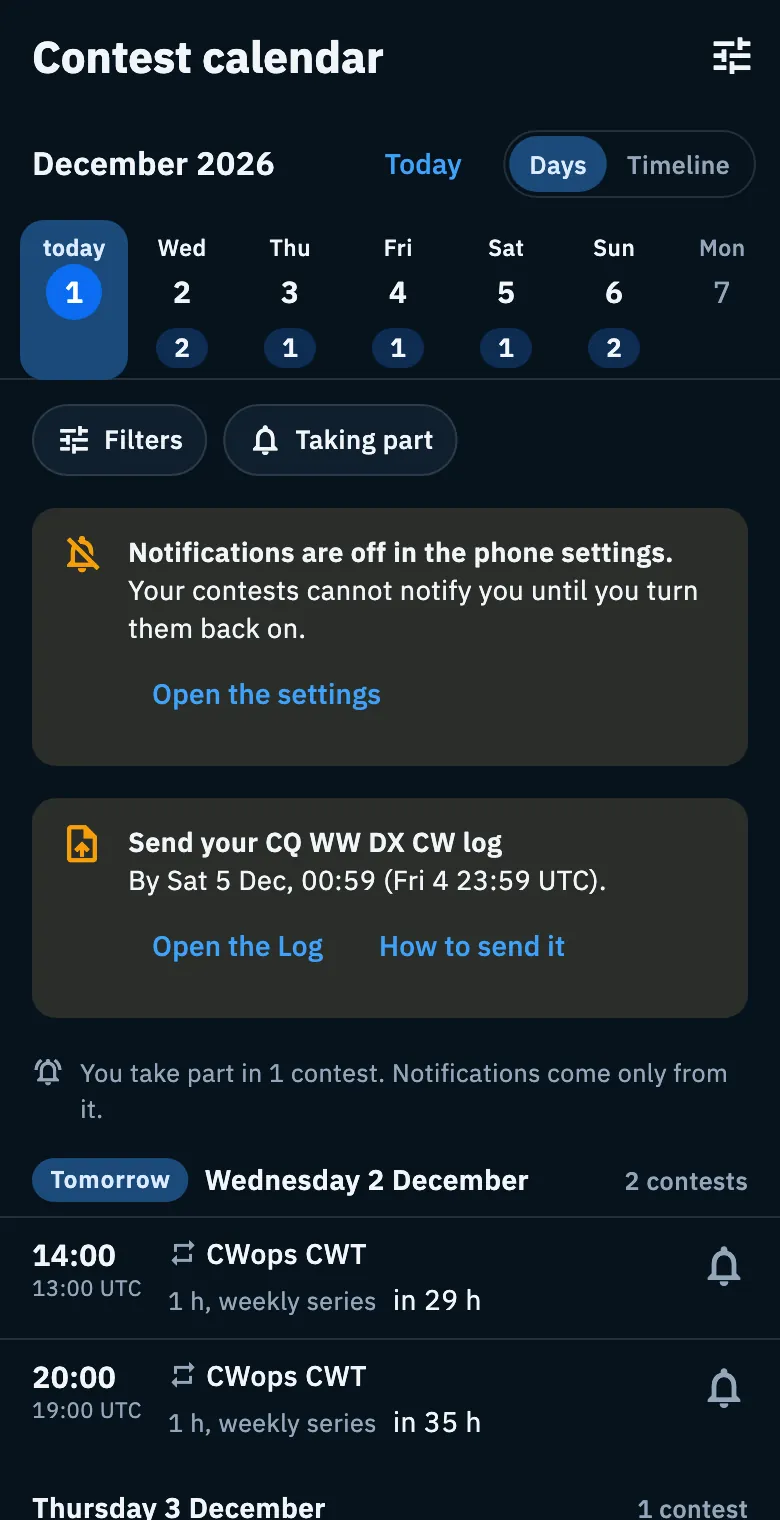
The same reminder appears in orange in the Contest calendar row of Profile too, on phone and tablet: «… log due by …». The reminder goes away at the deadline, even if you already sent the log.
Sending the log
The detail of every contest has the Sending the log section with what you need; after the end of the contest the section moves up, right under Your notifications.
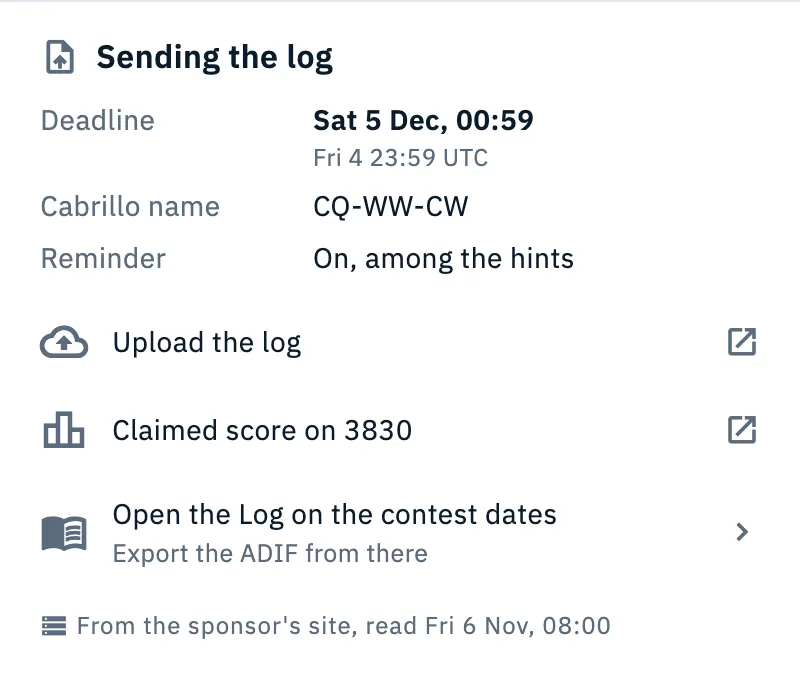
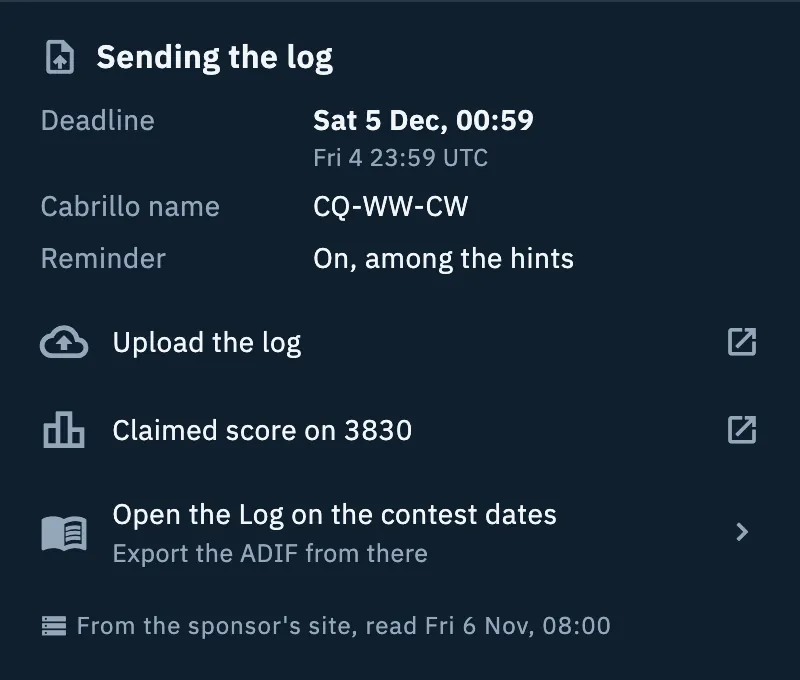
| Row | What it says |
|---|---|
| Deadline | Day and local time of the log deadline, with the UTC time below |
| Cabrillo name | The contest's official name to write in the file |
| Reminder | Only when the deadline is known: «On, among the hints» if you take part with Hints on, otherwise «Only if you take part» |
| Upload the log | Opens the sponsor's page for uploading the log in the browser |
| Send to … | Opens your mail app with the sponsor's address |
| Postal address | If the contest accepts logs by post |
| Claimed score on 3830 | Opens the 3830 page where you post your claimed score |
| Open the Log on the contest dates | Opens All QSOs with the QSOs between the start and end of the contest. «Export the ADIF from there» |
Only the rows the contest has data for appear; Open the Log on the contest dates is always there. If the contest has none of this data, there is no section. At the bottom of the section, when it is known, you read the source of the data.
- Tap Open the Log on the contest dates.
- Export the QSOs as ADIF (see Exporting your log as ADIF).
- Send the file with Upload the log or Send to …, following the contest's rules.
To log QSOs during the contest, see Logging in a contest.
Phone, tablet and web
- Phone: Take part is in the bar at the bottom of the detail; the sheet opens from the bottom.
- Tablet and web in a wide window: Take part is at the top of the detail, next to the share button; on a tablet the sheet opens as a dialog in the middle.
- Until you take part, under the button you read «Without Take part this contest sends you no notifications.».
- Web: the browser asks for the permission and the notifications are the browser's. The notifications-off notice has no Open the settings button.
Offline
You can take part, change notifications or stop taking part offline too: the choice stays on the device and goes out by itself when the network is back. When you take part or save offline you read «Saved. It goes to the server when you are back online.». Until the choice reaches the server, the server does not know about it. See Using HamQSO offline.
Troubleshooting
No notification arrives. Check that you take part in the contest (the Taking part button) and that the right switch is on in the sheet. If the calendar says «Notifications are off in the phone settings.», tap Open the settings and turn them back on. The same problem is shown in the Take part sheet («Notifications are off in the phone settings. Turn them back on, or they will not arrive.») and in Your notifications («Notifications are off in the settings, these would not arrive.»).
The Take part (or Save) button of the sheet is grey. You turned every switch off: turn on at least one. If you already take part and want no more notifications, tap Stop taking part, as the sheet suggests: «With every notification off there is nothing to receive. Turn on at least one or stop taking part.».
The Start (or End) switch is grey with «Already past». The contest has already started (or ended): that notification can no longer arrive.
I don't see Take part on a contest that is over. The log deadline has passed, or is not known: there is nothing left to notify. If you already took part, the Taking part button stays.
I don't get the log reminders. They arrive only with Hints on and when the contest's log deadline is known: the Deadline row must be in the detail.
I took part in a weekly series and nothing arrives the week after. For a series, Take part holds for one session only: tap the bell again for the next one.