
Sharing a spot
Send a DX, POTA, SOTA or WWFF spot to a friend: a short text and a link that opens the spot in HamQSO, or a preview on the site.
FreeUpdated for HamQSO 0.1.19
On this page
From the detail of a spot you can send it to a friend with the app you like: they get a short text with the callsign, frequency and time, and a link. If they have HamQSO, the link opens the spot right in the app; if they do not, it opens a preview of the spot on hamqso.app.
Sharing a spot
The button is in the detail of every spot: DX Cluster, POTA, SOTA and WWFF.
- Open DX or xOTA and tap a spot to open its detail (see Opening a spot).
- Tap the share button at the top right, next to the callsign (its tooltip says Share spot).
- Choose the app to send it with: messages, chat, email or any other app your device offers.
Sharing is free, without Pro too.
What your friend gets
The shared text has these lines, in the language of the app:
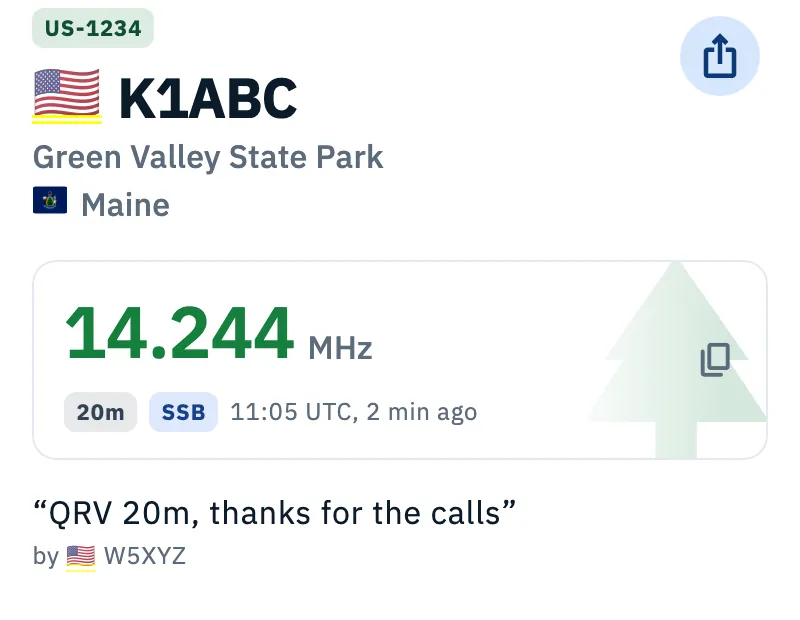
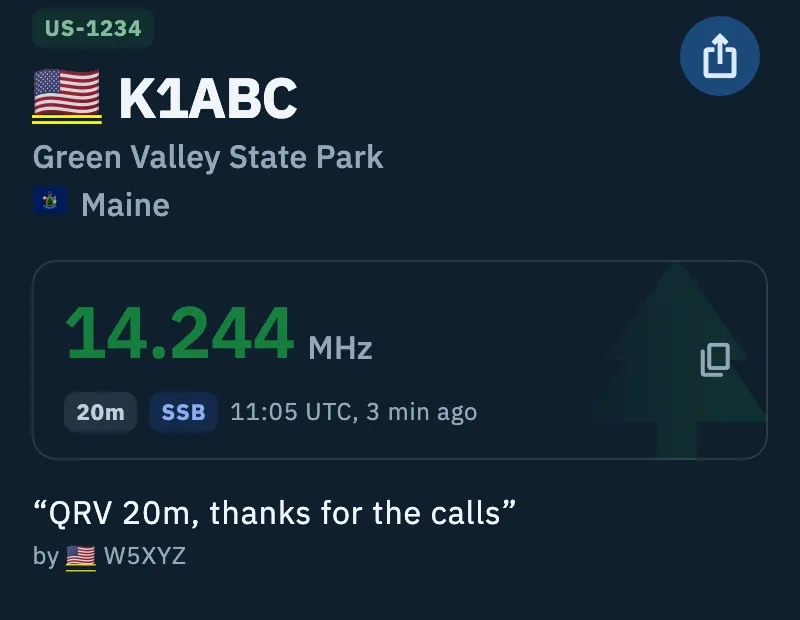
- The callsign and where to listen: “K1ABC on 14.244 MHz SSB (20m)”. The frequency is written in full, never rounded, with the mode and the band.
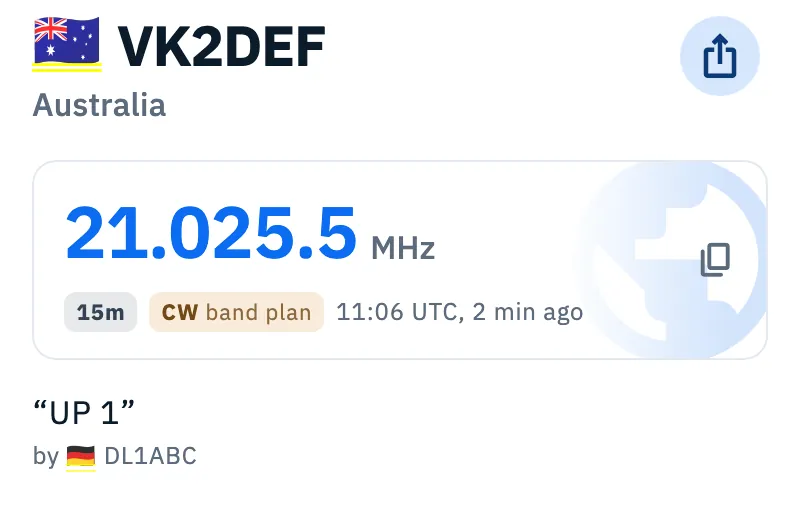
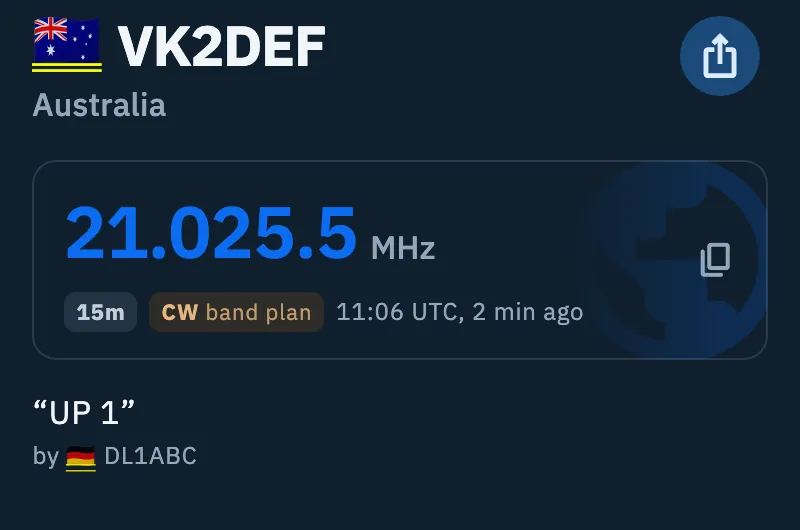
- The reference and the name of the park, summit or area (POTA, SOTA, WWFF), or the country of the station (DX), when the app knows them: “US-1234, Green Valley State Park”.
- The time of the spot in UTC: “Spotted at 14:32 UTC”.
- The spotter's comment, in quotes, if there is one.
- “Open it in HamQSO, free on the App Store and Google Play:” followed by the link to the spot.
The link is a hamqso.app address that carries the data of the spot: callsign, frequency, mode, time, reference (for POTA, SOTA and WWFF), who spotted it and the comment (80 characters at most).
When your friend taps the link
- With HamQSO installed on their phone or tablet, the link opens the app straight on the spot detail, over the main screen. The app rebuilds the spot from the link and loads the rest of the details by itself.
- Without HamQSO, the link opens a hamqso.app page with the header of the spot (callsign, reference, frequency, band, mode, time, comment and who spotted it), the App Store and Google Play badges and the line “Already have HamQSO? Open this link on your phone and it goes straight to the spot.”. If the spot is more than an hour old, the page warns that spots age fast.
Chat apps that preview links show an image with the callsign and frequency of the spot.
The same link keeps working when it is forwarded: whoever has the app opens it in the app, the others see the preview.
Phone, tablet, web and desktop
- iPhone and Android: the system share sheet opens. On iPad it shows as a popover next to the button.
- Web: the browser's share menu opens. If the browser has none, a ready-made email opens, with the callsign and frequency in the subject and the text of the spot.
- Desktop: the button is the same; hovering it with the mouse shows Share spot.
To see how hamqso.app links open on each device, see Links, addresses and web pages.
Troubleshooting
The link opens the app on the main screen instead of the spot. The link is incomplete or was changed: without a valid callsign and frequency, or without a valid reference for a POTA, SOTA or WWFF spot, the app cannot rebuild the spot. Ask whoever sent it to share it again from the detail.
The site shows “A spot from HamQSO” with no data. The link does not carry a valid callsign and frequency: ask for it to be shared again.
The link opens the site even though I have HamQSO. Open it on the phone or tablet where the app is installed: on a device without the app the link opens the site page, which suggests opening it on your phone.
The spot is old. The link keeps the spot as it was when it was shared: frequency and time are not updated. To see who is on the air now, check the list (see Reading the DX Cluster list).
The mode is missing from the text. The spot did not state its mode and the one shown in the app was estimated: it is not shared.