
Managing your subscription
See your Pro plan and until when it lasts, open the store to change or cancel it, and restore a purchase on a new device.
Free and ProUpdated for HamQSO 0.1.19
On this page
You check your HamQSO Pro subscription from Your profile: see your plan and its date, open the store you bought it in to change or cancel it, and restore a purchase you already paid for. The store decides the plan and the date: the app only shows them.
Seeing your plan
- Open Profile.
- Tap the row at the top with your callsign: Your profile opens. On the web, in a wide window, you can also choose Go to: Your profile in the command palette.
- Scroll to the Subscription section.
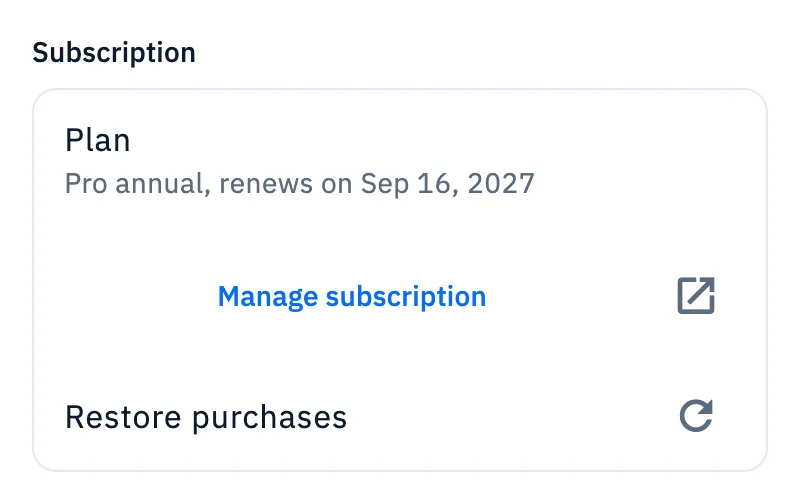
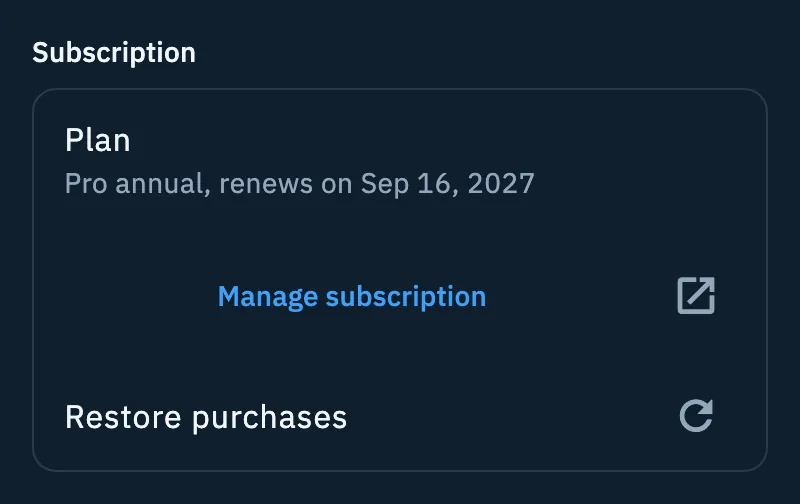
If you are Pro, the Plan row tells you which plan you have and until when it lasts:
| What you see | When |
|---|---|
| "Pro Lifetime" | You have the Lifetime plan: it does not expire. |
| "Pro annual, renews on …" | A yearly plan that renews by itself. |
| "Renews on …. Manage the subscription in the store." | A monthly plan that renews by itself. |
| "Expires on …, it will not renew." | You cancelled the renewal: you stay Pro until that date. |
| "Pro gifted until …." | Days of Pro you received as a gift, for example by inviting friends. |
| "Yearly" or "Monthly" | The store gave no date: only the name of the plan. |
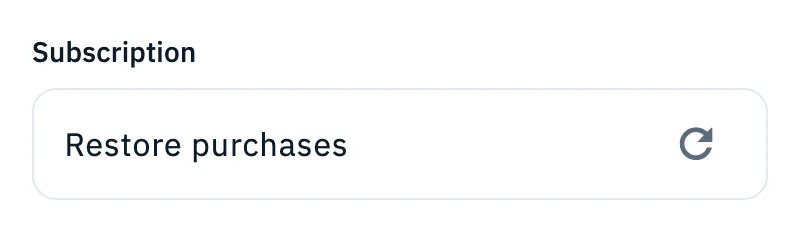
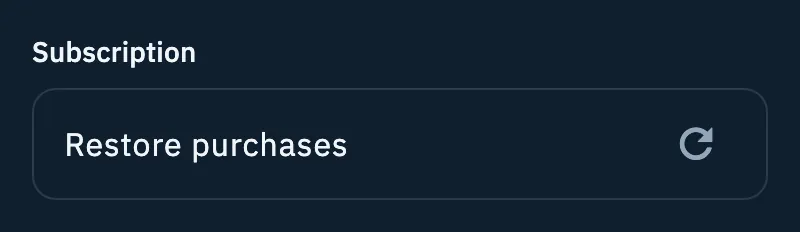
If you are not Pro, the Subscription section only has Restore purchases.
Changing or cancelling your plan
HamQSO does not change or cancel the subscription itself: the store you bought it in does.
- In Your profile > Subscription, tap Manage subscription.
- The subscriptions page of the store where you bought the plan opens outside the app:
- bought on iPhone or iPad: the App Store subscriptions page;
- bought on Android: the Google Play subscriptions page;
- bought on the web: the customer portal of web payments.
- There you change plan or cancel the renewal.
What counts is the store of the purchase, not the device you are using: if you bought on the web, the web portal opens from your phone too. If the store of the purchase is not known, the one of the device opens.
When the plan changes, the Plan row follows what the store says.
Restoring a purchase
Use Restore purchases when you already paid but the app shows you without Pro, for example on a new phone or after reinstalling the app. It is available to everyone, Pro or not.
- Open Your profile > Subscription, or open the paywall (a Pro feature or the Pro card in Profile).
- Tap Restore purchases. In the paywall of the phone and tablet app it is at the top right; on the web it is below the purchase button.
- Wait for the search: in your profile the row stays disabled until it ends, on the web the button says "Looking for your purchases…".
If the purchase is found, Pro is active again: the Plan row appears in your profile, the paywall of the app closes, and on the web you see "Pro found again" with "Your subscription is active again on this account.".
Where it looks:
- iPhone and iPad: the purchases of the device's App Store account.
- Android: the purchases of the device's Google Play account.
- Web: the purchases of the HamQSO account you signed in with.
On the web, if you are already Pro
If you open the HamQSO paywall on the web (the /pro address or a Pro feature) when your account is already Pro, you see HamQSO Pro is active instead of the prices.
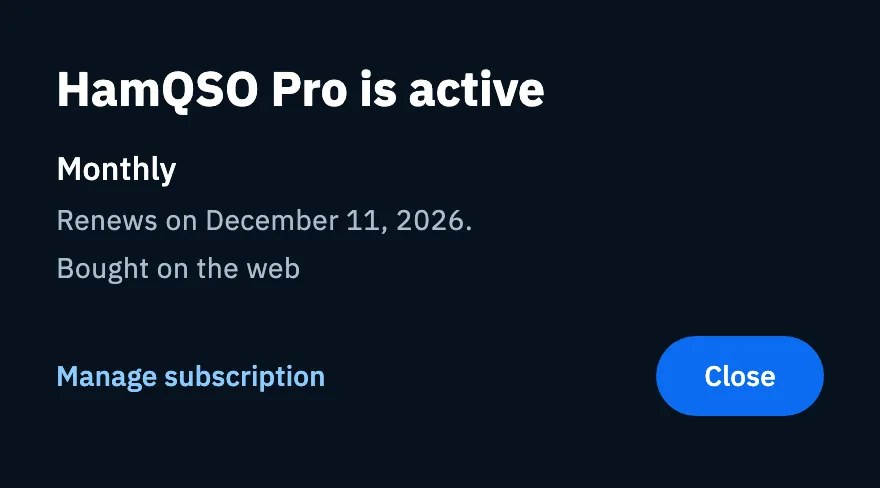
The window shows:
- the plan: Lifetime, Gift, Monthly or Yearly;
- until when it lasts: "Pro Lifetime", "Pro gifted until ….", "Renews on …." or "Expires on …, it will not renew.";
- where you bought it: "Bought on the App Store", "Bought on Google Play" or "Bought on the web" (not for gifts);
- Manage subscription, which opens the store of the purchase as in your profile (not for Lifetime and gifts), and Close.
Free and Pro
Troubleshooting
- "No subscription to restore on this store account.": the store found no purchases with the account active on the device (on the web, with your HamQSO account). Check that you are signed in to the store with the account you bought with.
- "No subscription on this account. Did you buy with another Apple or Google account? Sign out and sign in with that one." (web paywall): the HamQSO account you are signed in with has no purchases. Sign out and sign in with the Apple or Google account you bought with.
- "Restore failed. Try again shortly.": the store or the network did not answer. Check your connection and try again later.
- You do not see Manage subscription: you have the Lifetime plan or gifted days of Pro, which are not managed in a store.
- The date is not the one you expect: the store you bought in decides the plan and the date; HamQSO shows them as it receives them. Check them in Manage subscription.