
A contest's times, exchange and rules
Open a contest to read its dates in local time and UTC, what overlaps it, your exchange ready to copy, the score, the rules in short and the results.
FreeUpdated for HamQSO 0.1.19
On this page
The detail of a contest gathers what you need to operate: when it starts and ends, in your time and in UTC, what is sent in the QSO, how points are counted, the rules in short and the results. It is free, like the whole calendar.
Opening a contest
- Open the contest calendar (Profile, Tools group, Contest calendar).
- Tap a row of the Days view, a bar of the Timeline or a contest in the Month.
On a phone the detail opens as a page. On tablet and web it appears to the right of the list, and the chosen contest stays highlighted. The detail also opens when you tap a contest notification or a link to its page.
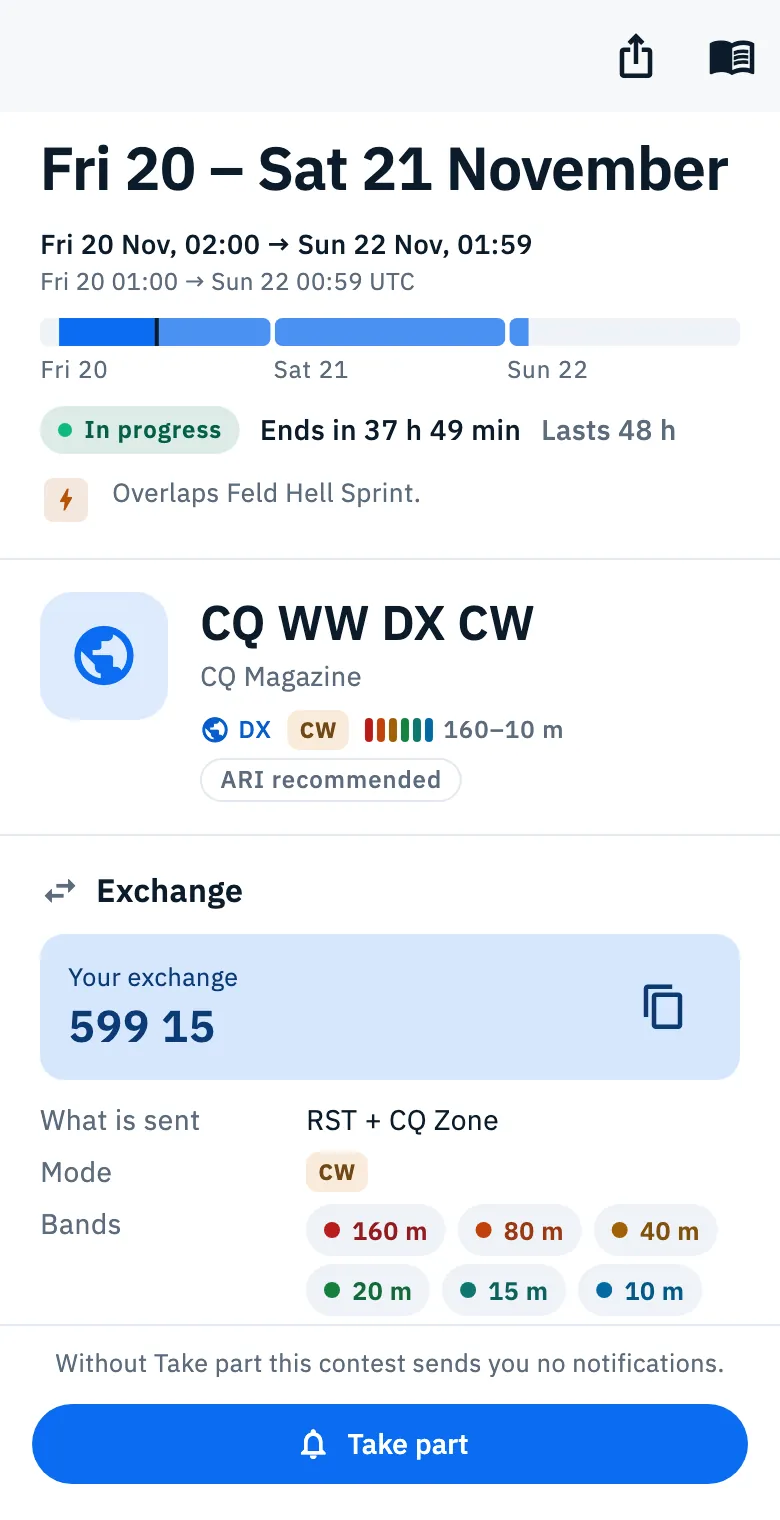
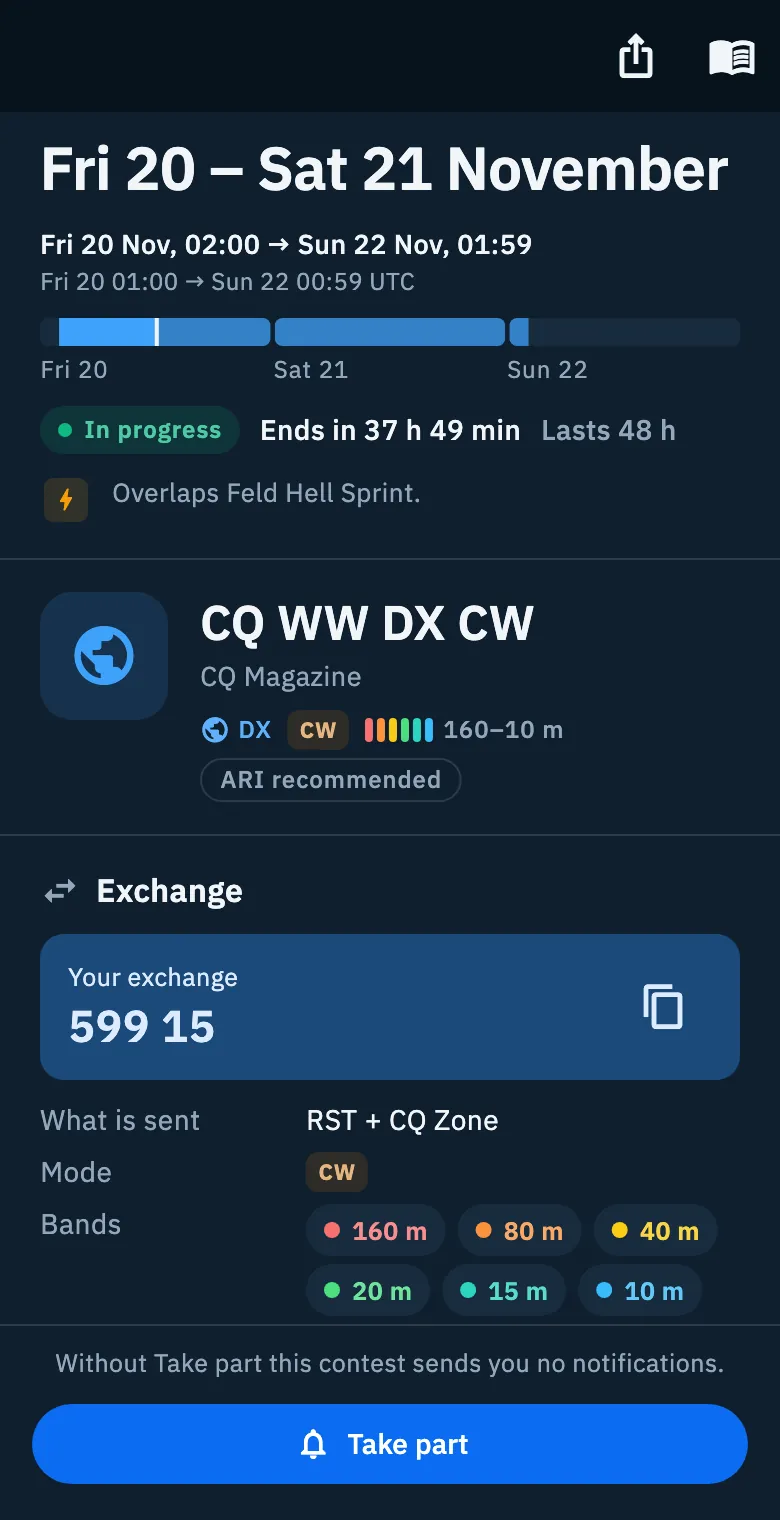
You can select and copy any text of the detail.
Dates, state and length
At the top, in big type, are the days of the contest, for example "Sat 28 – Sun 29 November". Below them you read:
- the interval in your local time, for example "Sat 28 Nov, 01:00 → Mon 30 Nov, 00:59";
- the same interval in UTC, for example "Sat 28 00:00 → Sun 29 23:59 UTC";
- the bar of the days, one cell per day, with a mark for now;
- the state and the length.
| State | What you see |
|---|---|
| Not started yet | "Starts in …" with the countdown |
| In progress | The In progress pill and "Ends in …" |
| Over | "Ended …" with the day |
The countdown runs by the second; if you reduced animations on the device, you see it without the seconds. Next to it is the length: "Lasts 48 h", or for a weekly series "Every week, 1 h per session".
If you open a contest from a link that does not say which date, you see the next one that is not over yet; if they are all over, the last one.
Overlapping contests
Below the length, a line with stacked logos tells you which other contests are in progress in the same period. It helps you choose between two contests of the same weekend.
| Case | Text |
|---|---|
| One contest | "Overlaps Feld Hell Sprint." |
| Several contests | "Overlaps 3 contests." |
| One is a contest you take part in | "Overlaps …, where you take part too, which ends … at …." |
| Several, one of them yours | "Overlaps 3 contests. You also take part in …, which ends … at …." |
Weekly series do not count as overlaps. If nothing overlaps, the line is not there.
Who runs it, and the actions
Below the dates you find the logo, the name, who runs the contest and the tags: type, modes, bands and ARI recommended when it applies.
- Take part: you receive the notifications of that contest (see Taking part in a contest). If you do not take part, below the button you read "Without Take part this contest sends you no notifications." The button is there until the contest is over and, after that, until the log deadline passes (if the contest has one); if you already take part, it reads Taking part.
- Share (share icon): see below.
- Open the rules (book icon): opens the rules in the browser.
| Where | Take part | Share | Open the rules |
|---|---|---|---|
| Phone | Fixed bar at the bottom | Top bar | Top bar |
| Tablet and web, detail beside the list | In the head, on the right | In the head, on the right | Not there: use the button of the Rules in short section. In the browser, with the mouse, it also appears when you hover a row of the Days view |
In the Month view the buttons move below the logo and the name, to fit in the space beside the calendar.
The sections of the detail
Scrolling down you find, in this order:
- Your notifications, only if you take part (see Taking part in a contest);
- Next sessions for a weekly series, or Segments for a contest split in parts;
- Exchange;
- Score;
- Sending the log;
- Rules in short;
- Results.
When the contest is over, Sending the log moves up right below your notifications. A section the app has no data for does not appear. Many contests come only from the WA7BNM calendar, which gives name, dates and link: then exchange, bands, Cabrillo name and log deadline are missing.
Below each section a small line says where the data comes from and when it was read, for example "From WA7BNM Contest Calendar, read …"; the source can also be ARI VHF & Up or the sponsor's site. At the bottom of the page you read "Data: WA7BNM Contest Calendar" (or "ARI VHF & Up" for Italian VHF contests), "rules and results from …" when they come from the sponsor's site, and "Updated daily."
Next sessions and segments
For a weekly series, Next sessions lists up to 5 sessions that are not over yet: the day, the local time ("hh:mm–hh:mm") and the start time in UTC. The session you are looking at has a green border.
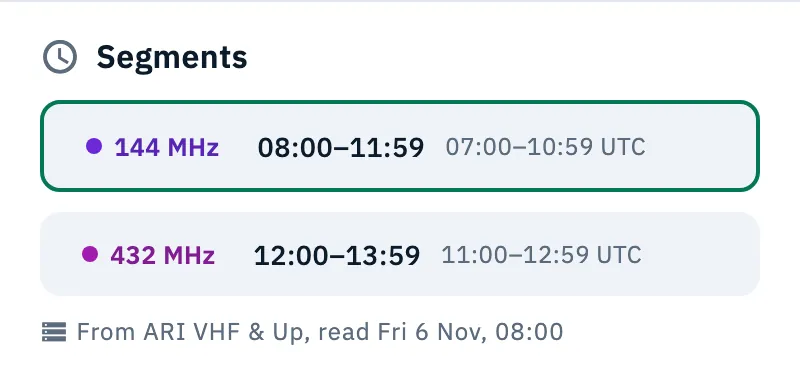
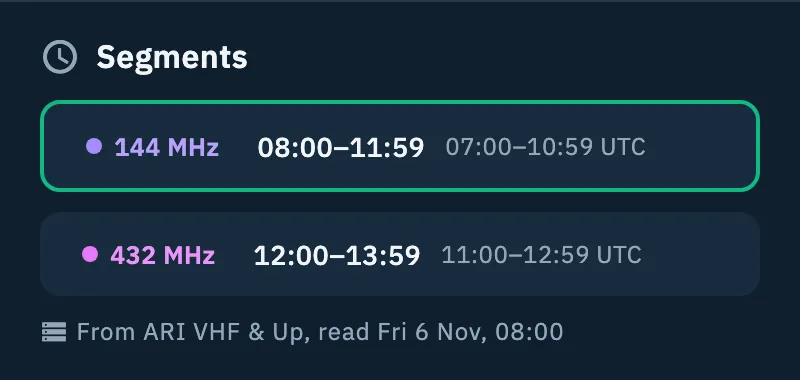
For a contest split in parts (by band or by mode), Segments shows each part with a label (the band, with a dot of its color, the mode or a name), the local time and the UTC time. The segment in progress has a green border, past ones are faded.
The exchange
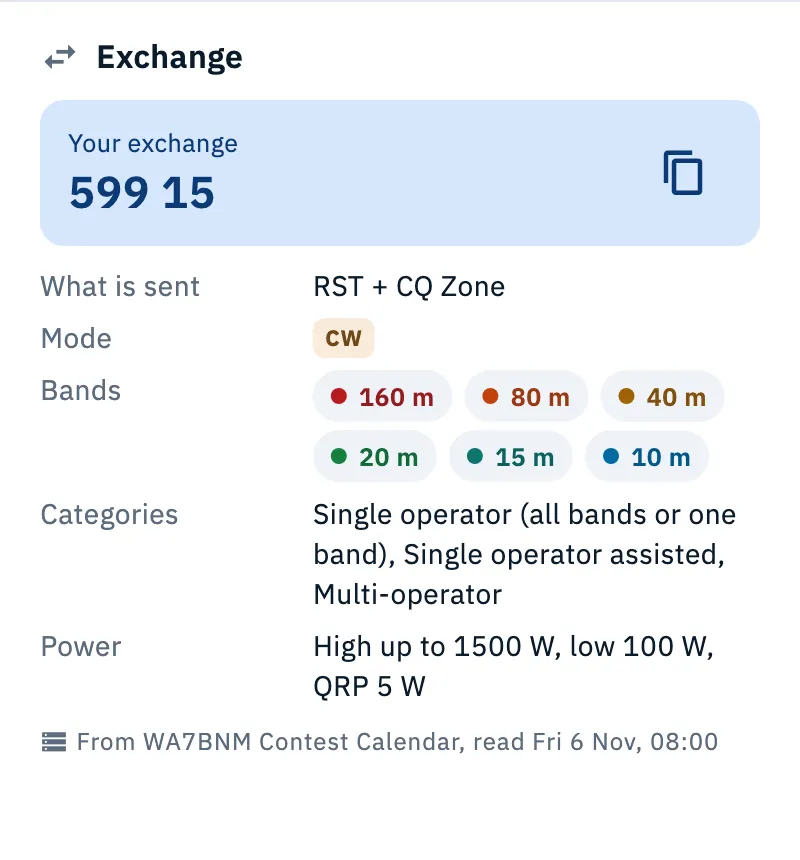
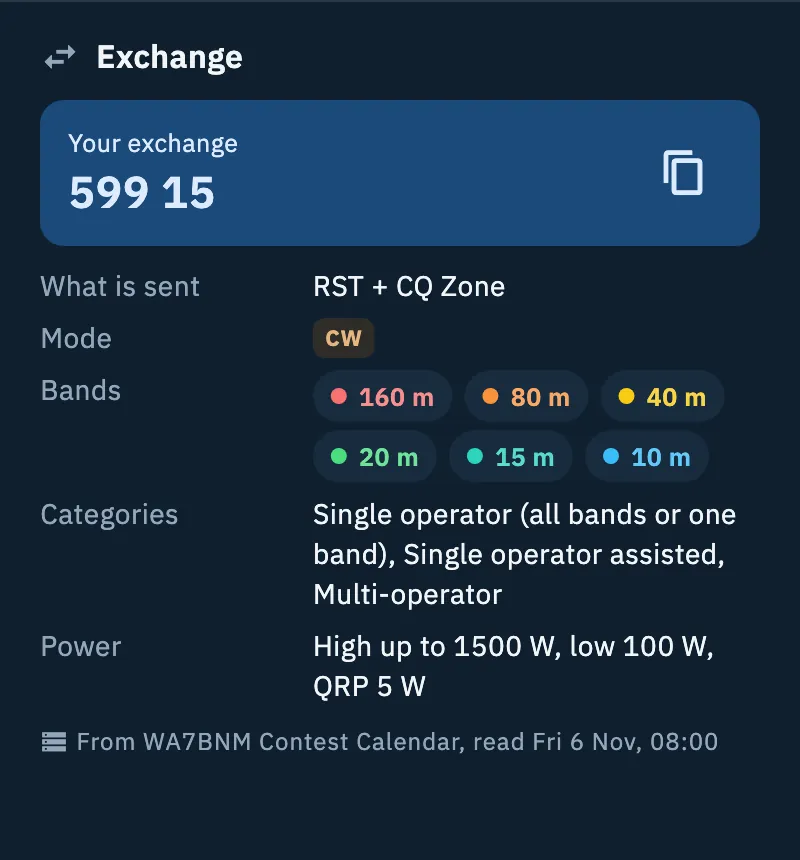
The Exchange section says what is sent in the QSO and the conditions of the contest:
| Row | What it shows |
|---|---|
| What is sent | The exchange as the source writes it, for example "RST + CQ Zone" |
| Mode | The modes of the contest |
| Bands | The bands, each in its color |
| Categories | The entry categories |
| Power | The power limits |
When the app knows every part, above them there is the Your exchange box with the exchange ready, for example "599 15".
- Read Your exchange.
- Tap the copy icon (Copy your exchange): "Exchange copied" appears and the exchange is in the clipboard.
This is how the app works out each part:
| Part | Value |
|---|---|
| RS | 59 |
| RST | 599 |
| RS(T) | 599 if the contest is CW only, 59/599 if it has CW and other modes, 59 without CW |
| CQ Zone, ITU Zone | The zone of the DXCC country of your callsign |
| Serial number | 001 |
| Locator | From the default station profile, otherwise from your profile; only the first 4 characters if the contest asks for a 4-character locator |
The same exchange comes in the notification "Starts in 1 hour, your exchange is …" if you take part in the contest with Hints on.
The score
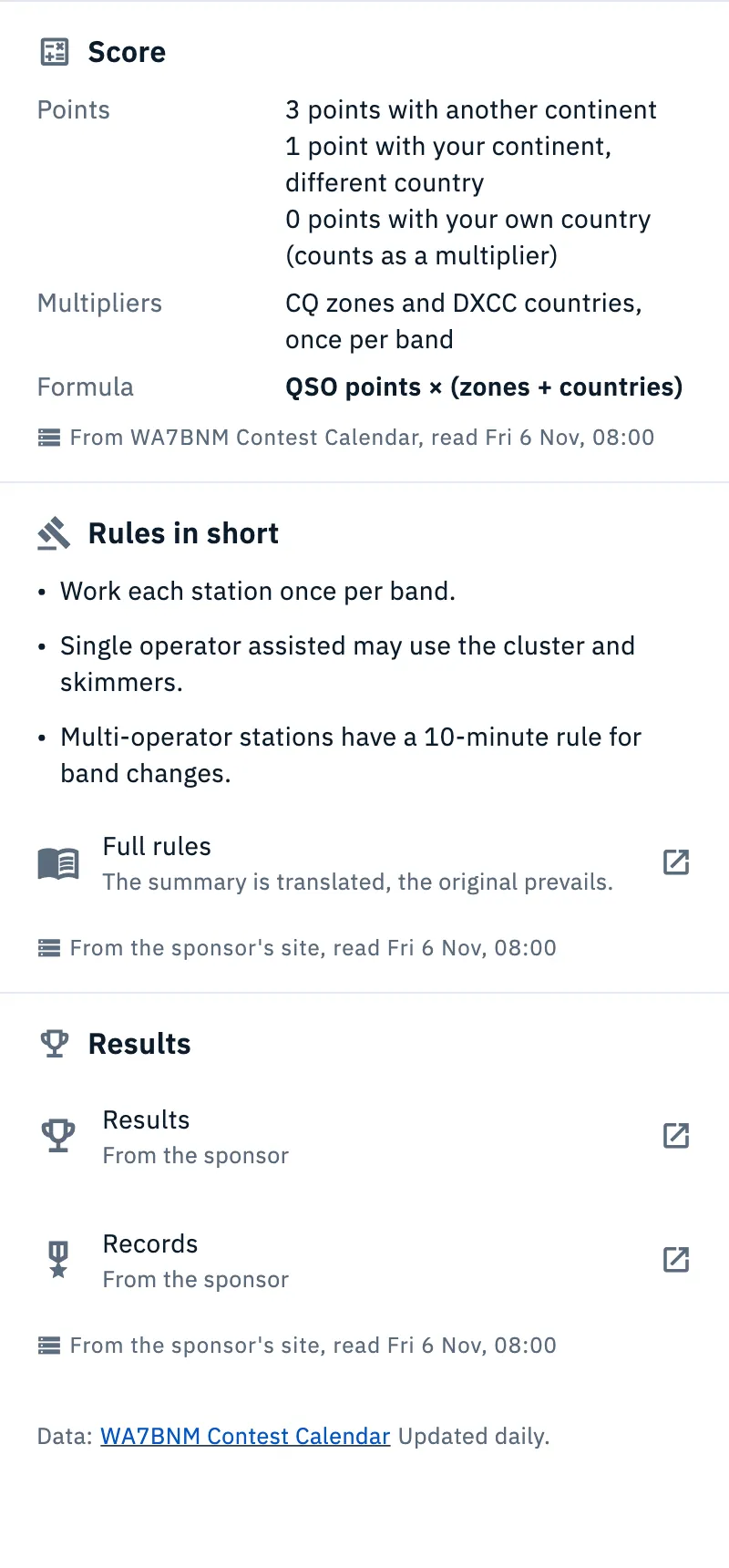
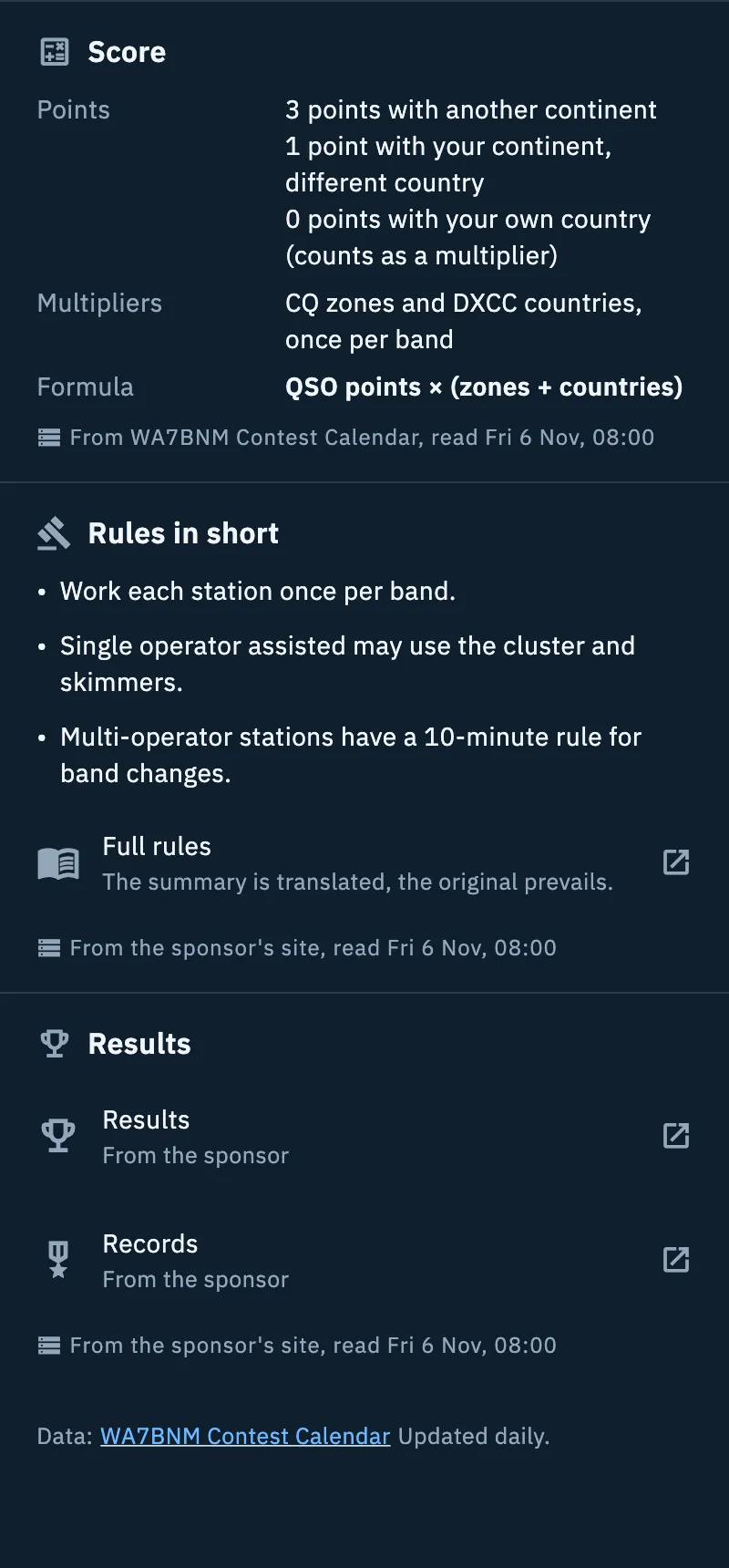
Score sums up how points are counted, as the source writes it: Points (what each QSO is worth), Multipliers and Formula, in bold. The app shows the scoring rules; it does not compute your score.
Rules in short and results
Rules in short sums up the rules in a few points, in the app's language when available; otherwise in English or Italian. The summary exists only for some contests.
- Read the points.
- Tap Full rules to open the rules in the browser. Below a summary you read "The summary is translated, the original prevails."
Which page the app opens:
- the contest's rules page, if it knows it;
- otherwise the contest's website, until the contest is over;
- otherwise the source's calendar. In these two cases the button is called "Rules and details on WA7BNM Contest Calendar" (or "… on ARI VHF & Up"); if there is no summary either, you see only this button instead of the Rules in short section.
Results links to the pages published by the sponsor: Results and Records, both marked "From the sponsor". With neither results nor records the section is not there.
Sharing a contest
- Open the detail.
- Tap Share.
- Choose the app to send it with.
The shared text has three lines: the contest name, the dates in UTC (they hold for readers in any country) and the link to the rules. On a phone and a tablet the system share sheet opens; in the browser, the browser's sharing. If the browser has none, the text is copied and you read "Copied to the clipboard". No image and no link to the app's page are shared.
Troubleshooting
| Message | What to do |
|---|---|
| A spinning circle | The calendar is loading (this happens when you open the contest from a link or a notification): wait a few seconds. |
| "The calendar did not load" and "It needs a connection the first time. Then it stays saved and opens offline too." | Connect to the network and tap Retry. |
| "Choose a contest from the list to see its dates, exchange and rules." | The contest is no longer in the calendar (removed, or an old link): go back to the calendar and pick one. |
| Your exchange is missing | The exchange asks for something the app does not know, or you have not set your callsign or locator in your profile. |
| Exchange, score or deadline are missing | The contest comes only from the WA7BNM calendar: read them at the source with the rules button ("Rules and details on WA7BNM Contest Calendar" or Full rules). |