
Deleting QSOs and the trash
Delete one QSO or every QSO of a filter, undo at once, and restore deleted QSOs from the trash within 30 days.
FreeUpdated for HamQSO 0.1.19
On this page
A deleted QSO does not vanish at once: it goes to the Trash, where it stays for 30 days. You can undo a deletion right away with Undo, or restore the QSO later from the trash, on all your devices. Deleting and restoring are free.
Deleting a QSO
You can do it from the rows of the log (in the Log section of an operation and in All QSOs) or from the open QSO.
By swiping the row
- Swipe the QSO's row to the left: the red Delete QSO background appears.
- Let go: the row leaves the list and «QSO with DL1ABC deleted» appears at the bottom, with Undo.
From the row menu
- Press and hold the row: a menu opens with the QSO on top (callsign, UTC time, band and mode).
- Tap Delete QSO («Stays in the trash for 30 days»).
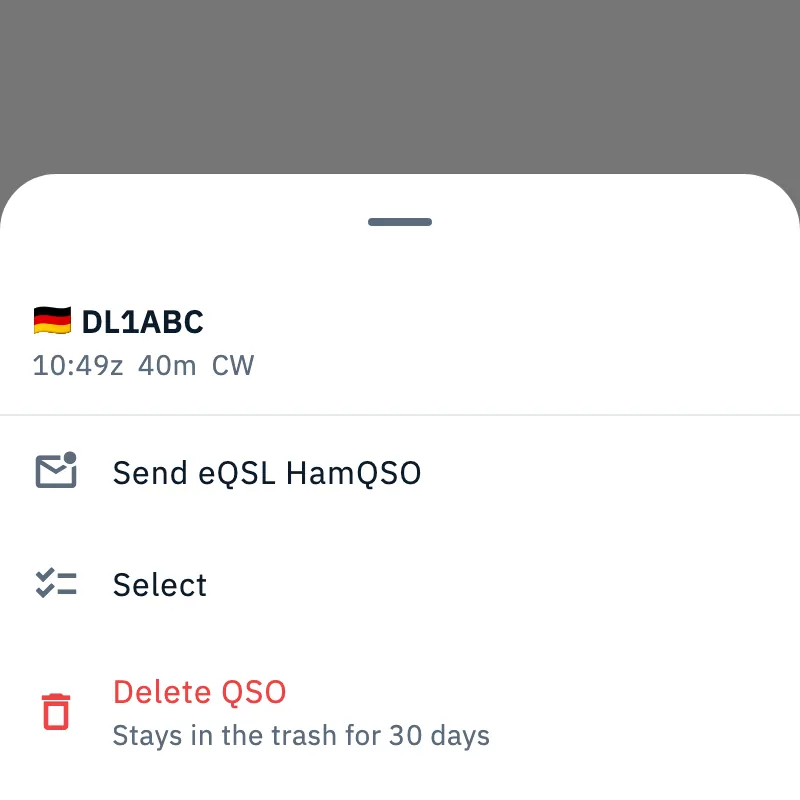
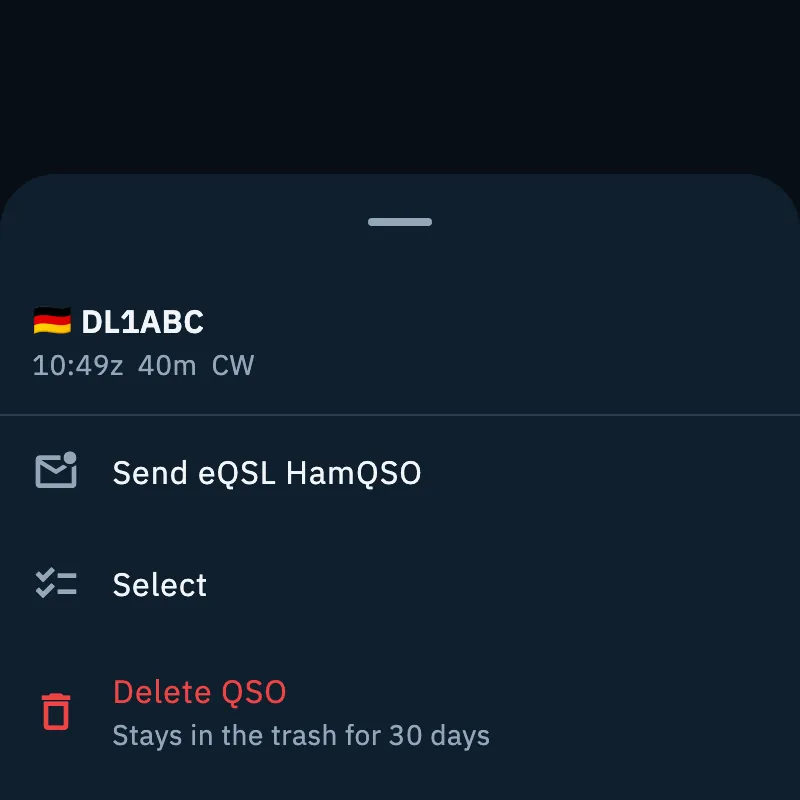
The same menu also has:
| Item | What it does |
|---|---|
| Send eQSL HamQSO | Sends the HamQSO eQSL of this QSO: see Sending eQSLs. |
| Select | Starts picking several QSOs, with this one already ticked (see «Picking several QSOs» below). |
| Delete QSO | Moves the QSO to the trash. |
From the open QSO
- Open the QSO (see Opening and editing a QSO).
- Tap the trash icon (Delete QSO) at the top: the QSO closes and «QSO with … deleted» appears, with Undo.
Undoing right away
Tap Undo in the bar at the bottom while it is shown: the QSO is back in its place. If the undo fails, the app says «That didn't work. Try again.»; then restore it from the trash.
On a computer
In the QSO table of an operation, in the wide computer window:
- Click a row, or move with the arrow keys, to select it.
- Press Del or Backspace (on a Mac ⌫): the QSO goes to the trash, with Undo at the bottom. The selection moves to the next row.
- To change your mind press Ctrl + Z (on a Mac ⌘ + Z): the last deleted QSO comes back.
The keys work while the table is active. Every shortcut is in Keyboard shortcuts.
Deleting every QSO of a filter
To remove many QSOs at once, for example a file imported by mistake, use the search and the filters of All QSOs (see Browsing and searching your log).
- Open Log and tap All QSOs.
- Type a callsign or turn on the filters that find only the QSOs to remove, for example Origin → «Imported from a file» and the Period of the import.
- A bar appears at the bottom with how many QSOs match and the Delete these N QSOs button (with a single QSO, Delete this QSO). It counts every QSO found, also the ones you have not scrolled to yet.
- Tap it. The app asks «Delete N QSOs?»: «The N QSOs go to the trash for 30 days. They stay on QRZ.com and the other services.»
- Tap Delete these N QSOs to confirm, or Cancel to leave them. «N QSOs moved to the trash» appears at the bottom with Undo, which puts them all back in the log.
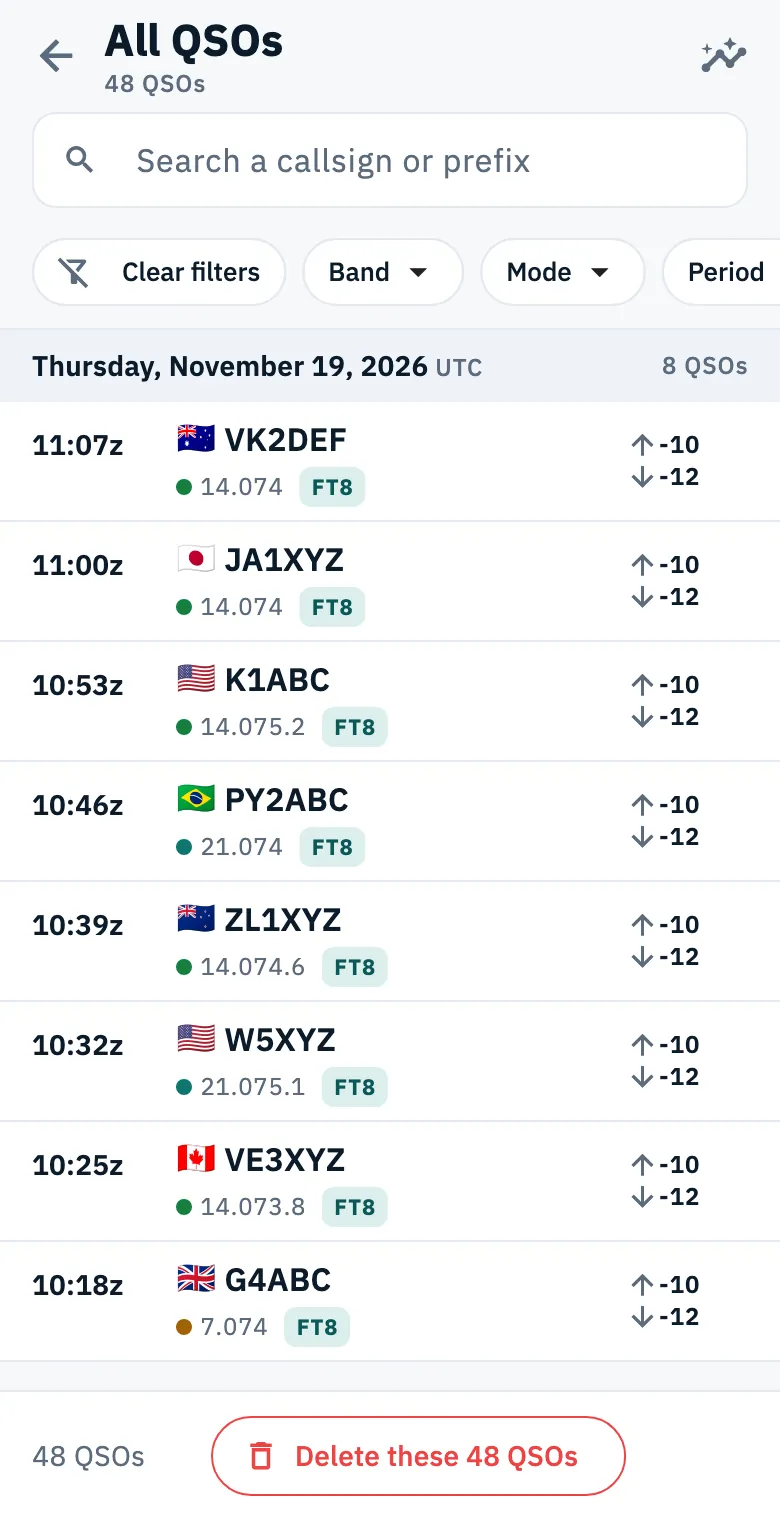
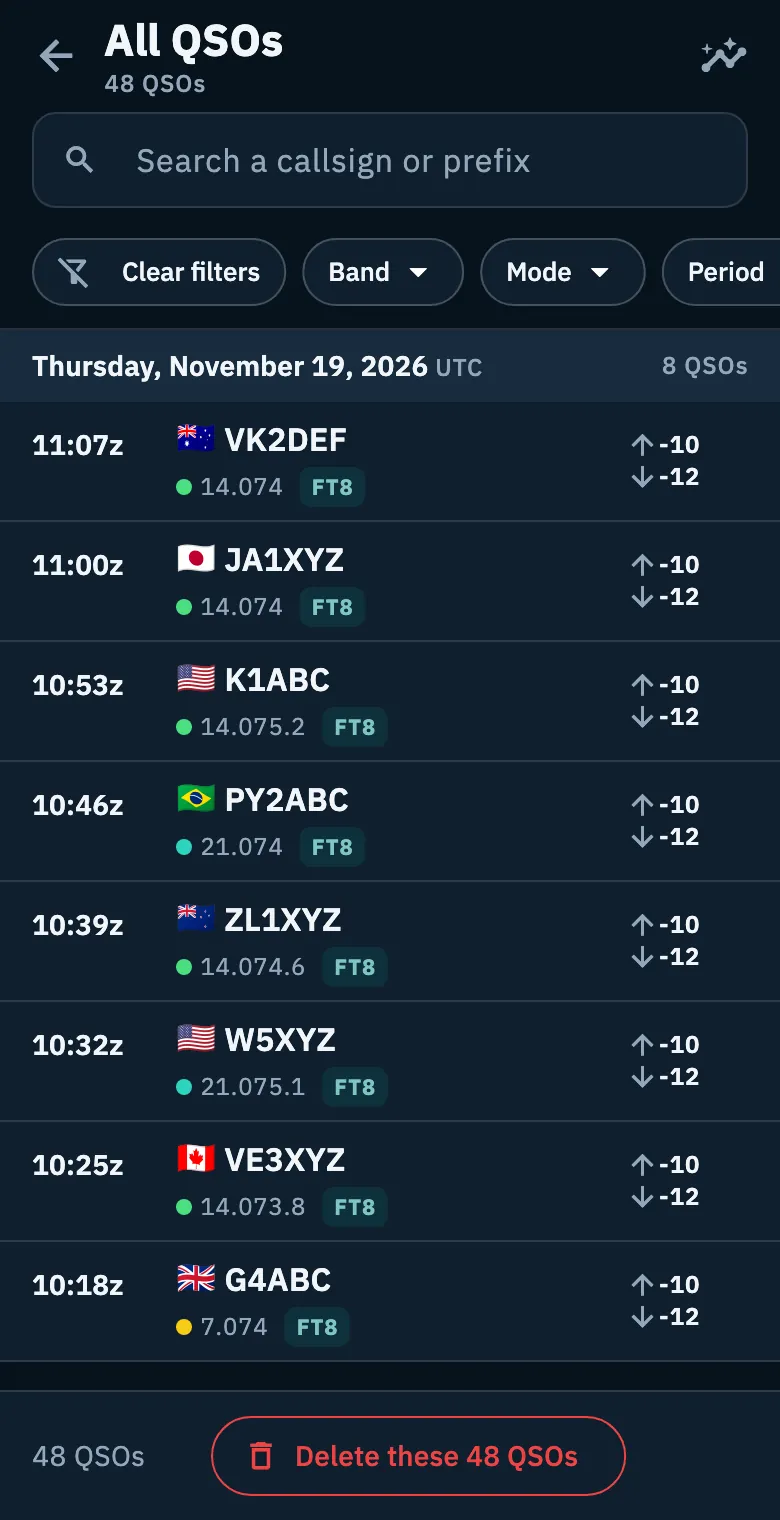
With no search and no filter the bar is not there: you cannot delete the whole log at once from here.
Picking several QSOs
Picking several QSOs is for sending the HamQSO eQSLs of a group of QSOs together; it does not delete.
- In All QSOs tap Select (list with ticks icon) at the top, or, in All QSOs or in the Log section of an operation, press and hold a row and choose Select.
- A checkbox appears on every row: tap the rows to tick or untick them.
- At the top you see «N QSO picked». Select all ticks every QSO of the list; in All QSOs it takes every QSO of the search and filters, also the ones not loaded yet.
- Use the bar at the bottom to send the HamQSO eQSLs (see Sending eQSLs).
- Tap Done to leave: the ticks are cleared.
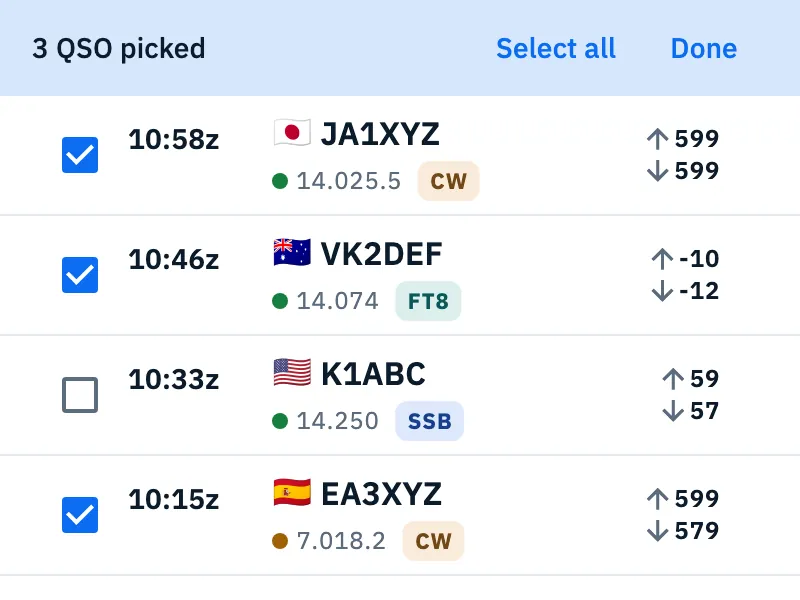
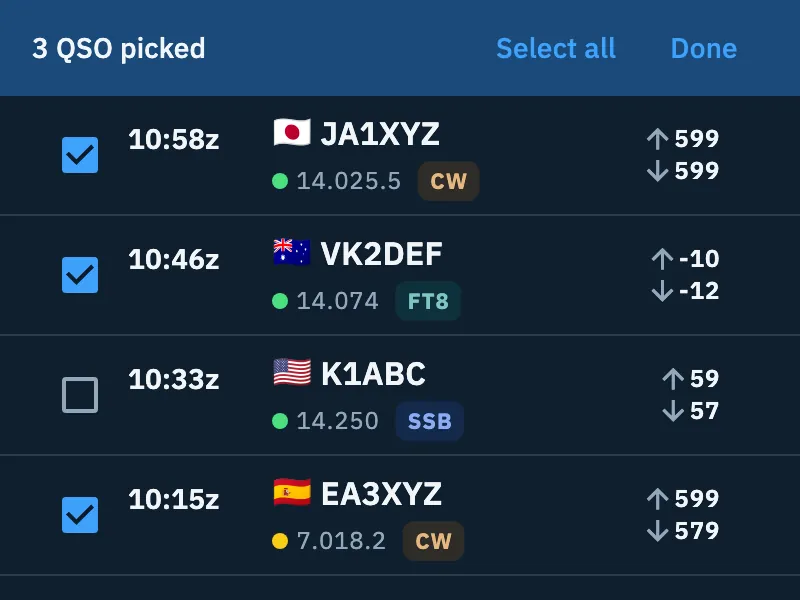
While you are picking, swiping or holding a row does not delete it. If you change a filter and a ticked QSO is no longer in the list, its tick goes.
The trash
- Open Log.
- Tap the ⋮ menu (Log menu) at the top.
- Tap Trash.
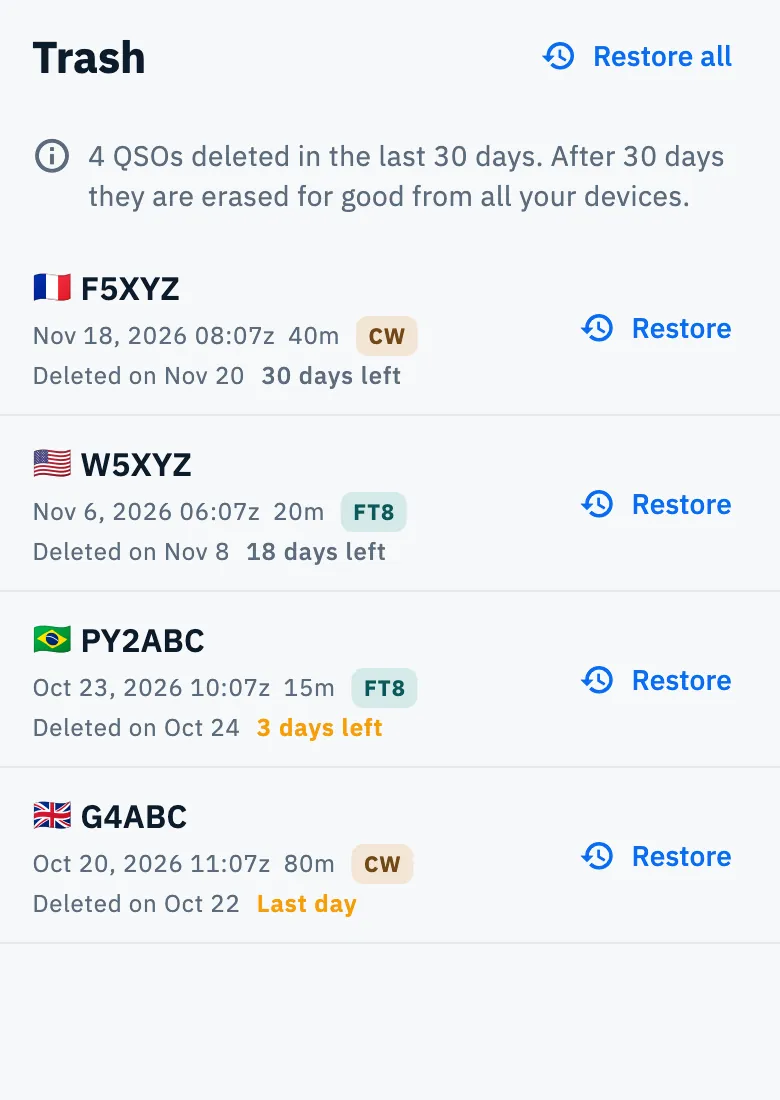
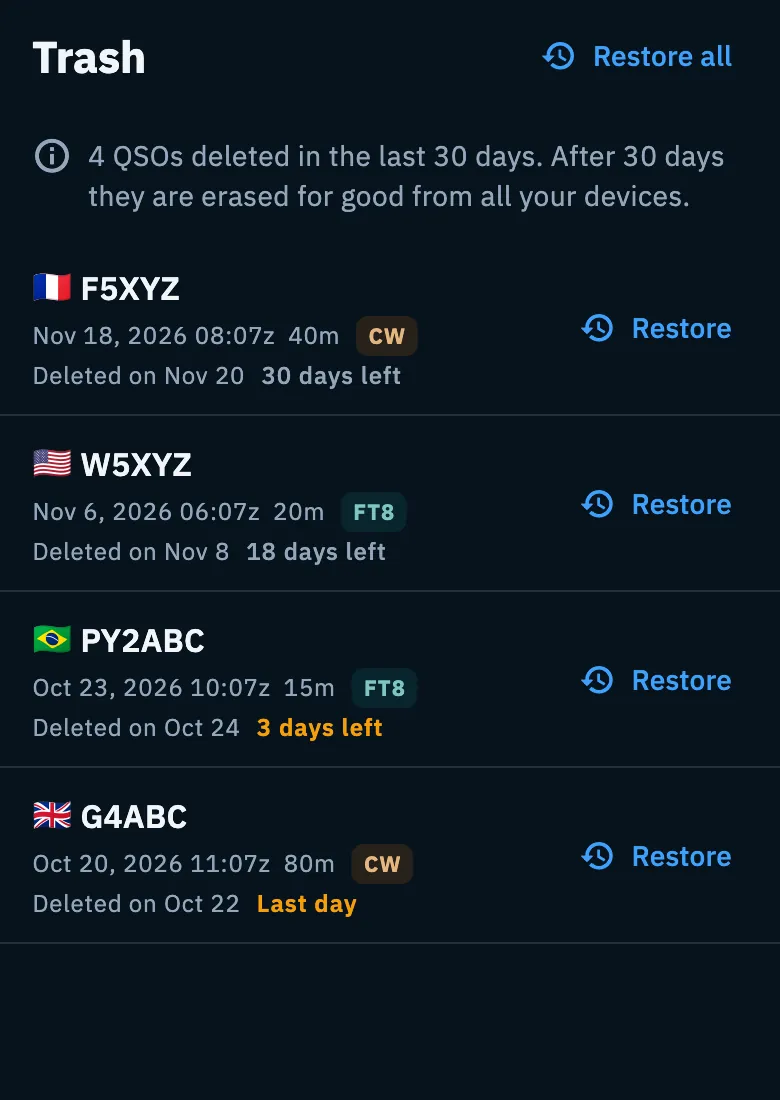
At the top you read how many QSOs you deleted in the last 30 days: «After 30 days they are erased for good from all your devices.» The list starts with the most recently deleted QSO. Each row shows:
| In the row | What it means |
|---|---|
| Callsign, UTC date and time, band and mode | The deleted QSO. |
| «Deleted on …» | The day you deleted it. |
| «N days left» | How many days it stays in the trash. In the last 3 days it is amber, and on the last day it says «Last day». |
| Restore | Puts the QSO back in the log. |
Restoring
- Tap Restore on the QSO's row, or Restore all at the top for every QSO in the trash.
- «QSO restored» (or «N QSOs restored») appears at the bottom with Undo.
- If you tap Undo, the QSOs go back to the trash and the app says «Back in the trash».
A restored QSO goes back to its operation; if the operation was deleted together with its QSOs, it comes back too (see Closing, reopening and deleting an operation). Restoring applies on all your devices.
There is no button to empty the trash: after 30 days the QSOs are erased for good by themselves.
On a tablet the trash is a centred column and each QSO fits on one line.
QSOs you cannot delete
A QSO «Confirmed in HamQSO» (also in the other station's log) cannot be deleted:
- the row does not swipe;
- in the row menu Delete QSO is greyed out and says «It can't be deleted: the QSO is confirmed in HamQSO.»;
- in the open QSO the trash icon is greyed out;
- on a computer, Del shows the same message.
When you delete the QSOs of a filter, the ones confirmed in HamQSO stay in the log and the final message says so: «N QSOs confirmed in HamQSO weren't deleted.»
Other services and other devices
- Deleting a QSO in HamQSO does not delete it from QRZ.com or from the other services you uploaded it to: if needed, delete it there too (see A QSO on your services).
- If you had sent a HamQSO eQSL for the QSO, deleting it withdraws the eQSL.
- Deletions and restores reach your other devices with the sync (see Your log on all your devices). QSOs deleted on another device show up in the trash when they arrive.
Troubleshooting
| Message | What to do |
|---|---|
| «Couldn't delete the QSO. Try again.» | The deletion failed: try again, the QSO is still in the log. In All QSOs the same message also appears when Undo fails: then the QSO is in the trash and you restore it from there. |
| «That didn't work. Try again.» | An undo or a restore failed: try again from the trash. |
| «It can't be deleted: the QSO is confirmed in HamQSO.» | The QSO is confirmed by the other station too and stays in the log. |
| «Couldn't open the trash.» | Tap Retry. |
| «The trash is empty» | You have not deleted any QSO in the last 30 days: a QSO deleted more than 30 days ago cannot be recovered. |
| I don't see Delete these N QSOs | Turn on at least a search or a filter in All QSOs, and check that it finds at least one QSO. |