
Countries and US states worked
Count the DXCC countries and the 50 US states you have worked, in the whole log or in one operation, and see the US state of a spotted station.
FreeUpdated for HamQSO 0.1.19
On this page
HamQSO counts the DXCC countries and the US states you have worked, in the whole log or in a single operation. You see at a glance where you stand towards DXCC and Worked All States, and which states you are still missing.
Where to find the counts
Countries and states show up in two places:
- Log overview, for the whole log:
- Open the Log section.
- Tap the log menu (⋮, Log menu) and choose Log overview. You can also open it from the overview icon at the top of All QSOs.
- Statistics of an operation, for the QSOs of that operation only:
- Open the operation from the Log section.
- Switch to the Statistics section.
On desktop, with no QSO open, the panel on the right of the operation page already shows the Countries worked number; All statistics takes you to the Statistics section.
For the rest of the overview (globe, bands, activity, sharing) see Log summaries and statistics; for the sections of an operation see The operation page.
Countries worked
Among the numbers at the top of the Log overview, the Countries worked tile tells you how many countries you have worked. Further down is the Countries worked card, with the same number on the right ("14 countries") and one bar per country: flag, country name and number of QSOs, from the most worked to the least. The card in the Statistics of an operation is the same.
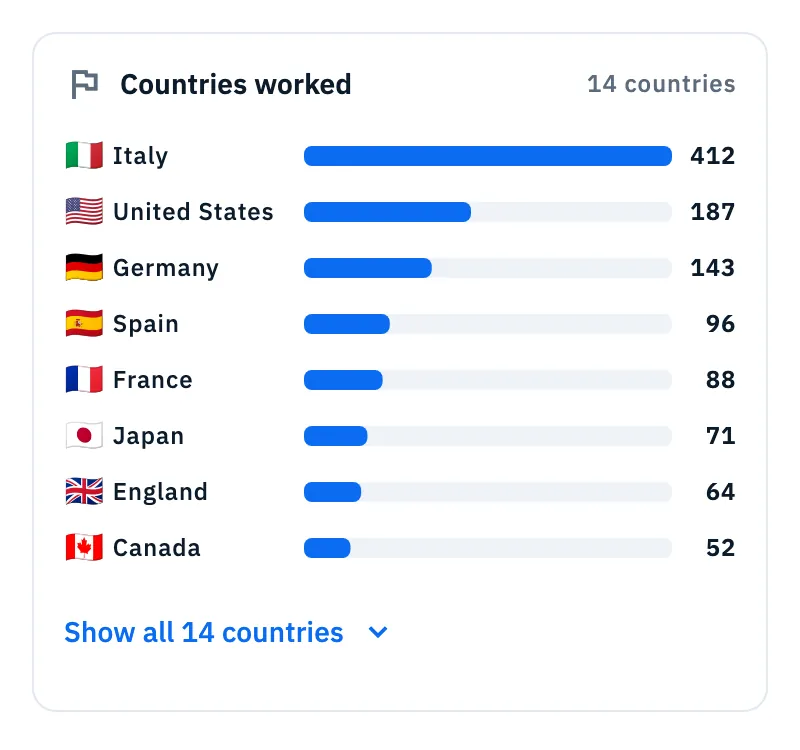
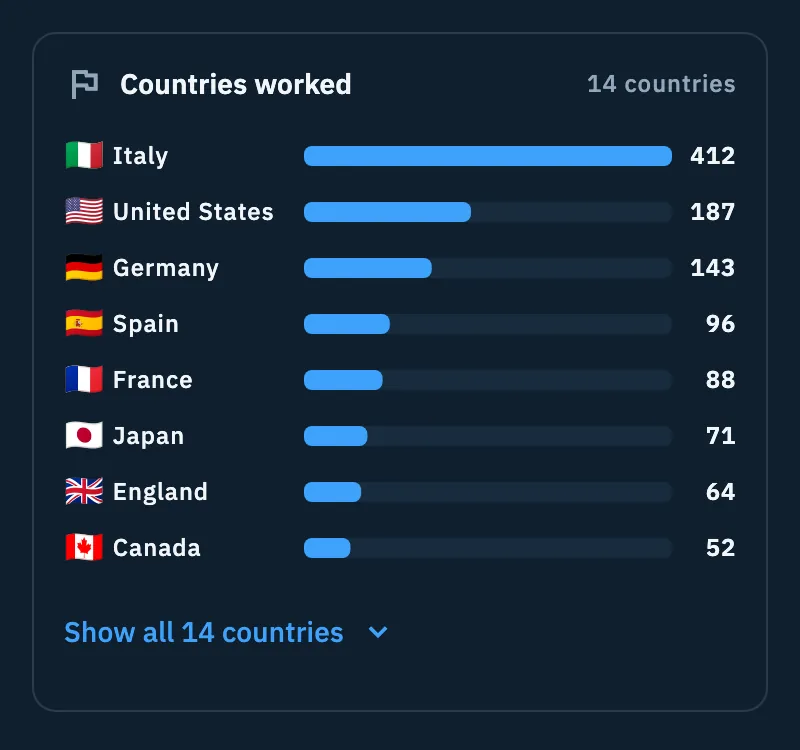
- Read the number of countries at the top right of the card.
- If you have worked more than 10 countries you only see the first eight: tap Show all 14 countries (with your number) to see them all.
- Tap Show less to go back to the first eight.
Each country is the DXCC entity of the QSO. Alaska and Hawaii, for example, are countries of their own, apart from the United States.
US states worked
The US states worked card shows the 50 US states in alphabetical order of their code (AK, AL, AR…), each with its flag. The states you have worked are in color, with a blue border; the missing ones are grey. At the top right is the count, for example "31/50".
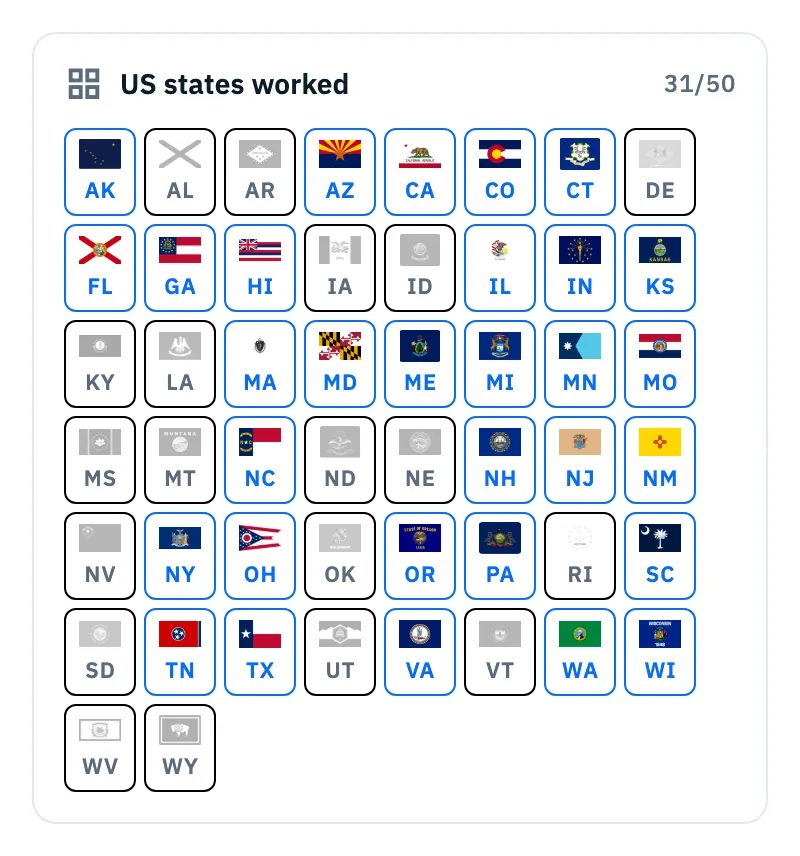
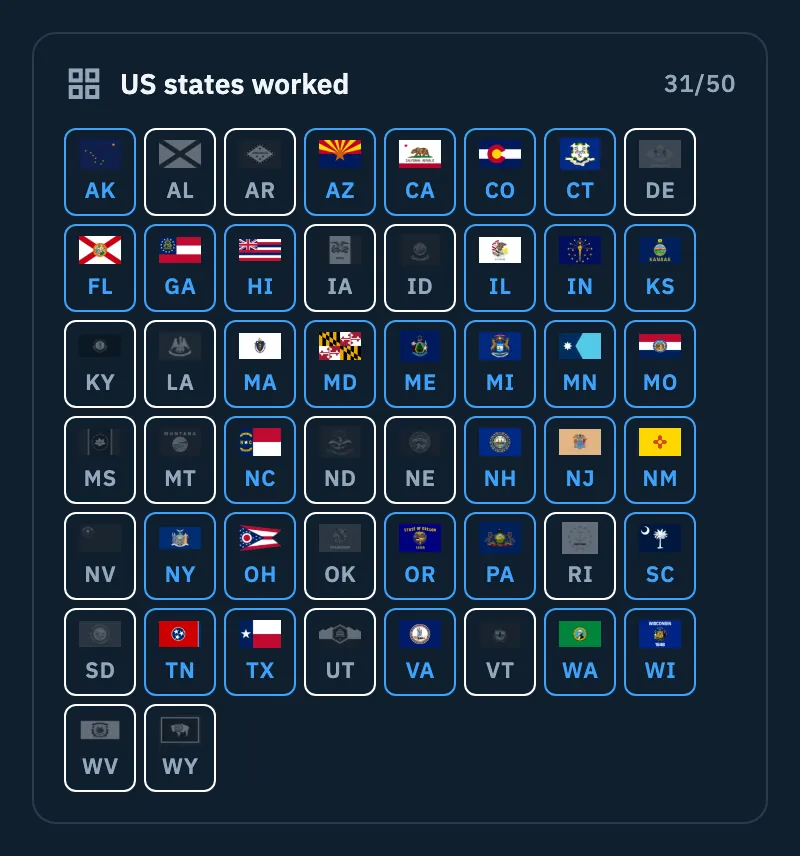
- Open the Log overview or the Statistics of an operation and scroll to US states worked.
- Read the "N/50" count.
- Look for the grey cells: those are the states still to work.
How a state counts:
| QSO with | When it counts |
|---|---|
| United States (the 48 contiguous states) | When the QSO's State (USA) field holds one of the 50 states |
| Alaska | Always, as AK: the state comes from the DXCC country, even if the QSO has no state |
| Hawaii | Always, as HI, the same way |
| District of Columbia, territories (Puerto Rico, Guam…) | Never: they are not among the 50 states |
The State (USA) field shows up in the QSO when the station is in the US. You can pick it yourself (Pick the state), or it comes already filled in and marked prefilled: from the POTA park of the spot, when the park is in a single state, or from the callbook. See Logging a QSO. QSOs imported from an ADIF file with their state count too.
With a screen reader each cell reads "MA, worked" or "MA, not yet".
Which state a spotted station is in
When you open the detail of a spot of a station in the US, the app tells you which state it is in, with its flag.
- Open a spot of a US station (Opening a spot).
- Under the callsign, read the line with the state flag: on the DX Cluster the state and the country, for example "Massachusetts, United States"; on POTA, SOTA and WWFF the state name only.
- On the DX Cluster you also find the state in the DXCC entity section, on the US state row.
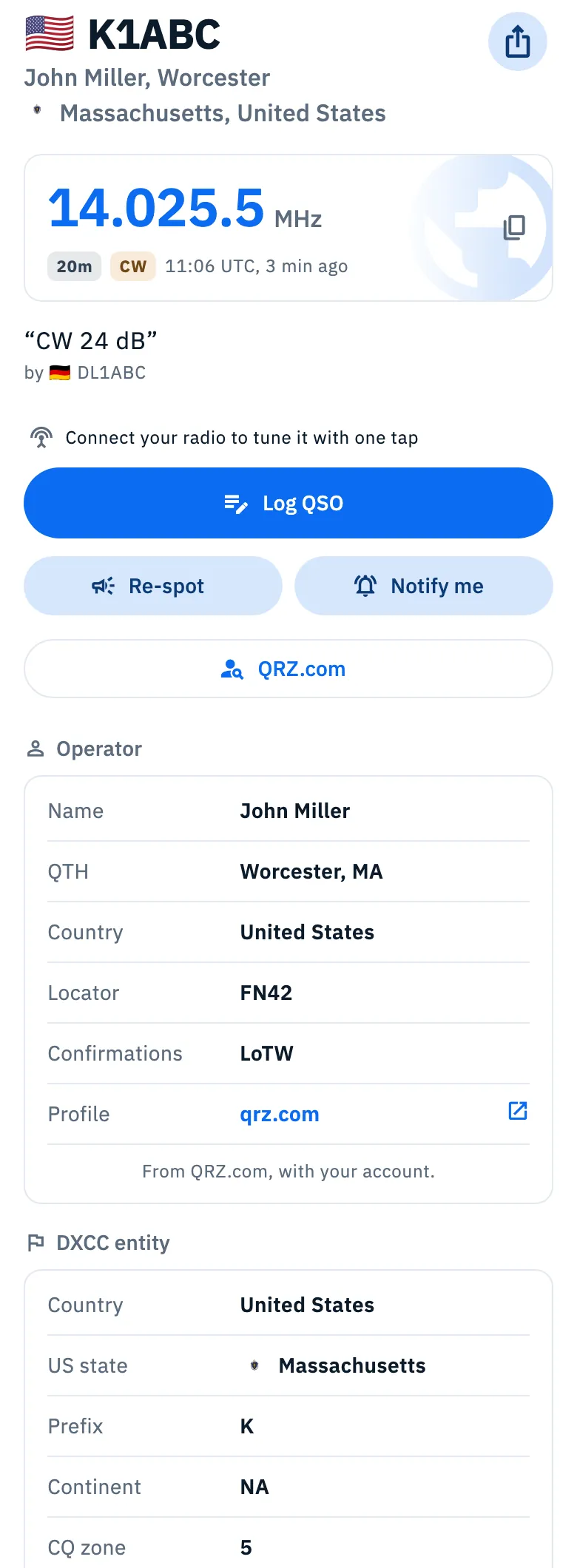
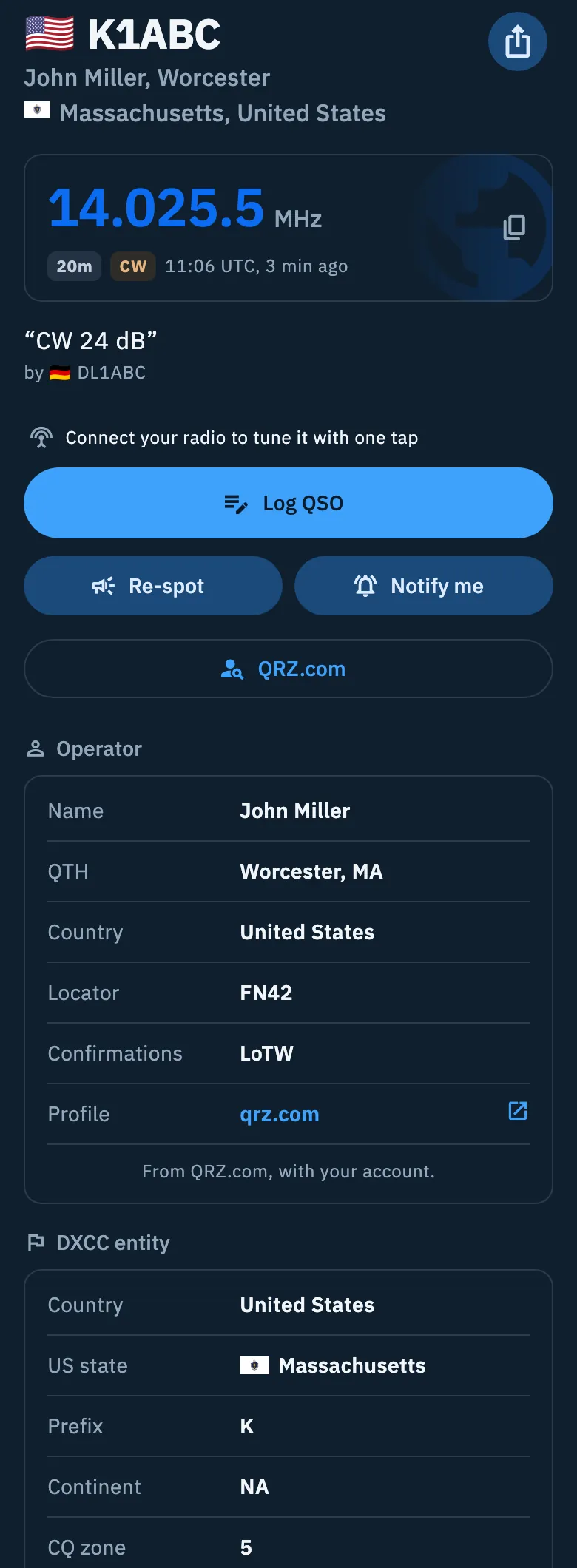
Where the state comes from:
| Spot | Where the state comes from |
|---|---|
| DX Cluster | From the address of the callsign's FCC license, looked up on HamDB.org and, when it does not answer, on callook.info. With K1ABC/P or W6/K1ABC the app uses the license of K1ABC. Needs the network |
| POTA | From the park location (for example US-CA). A park spanning more states shows none |
| SOTA | From the summit's association (W0C is Colorado); for associations covering more states, from the summit's location |
| WWFF | From the location of the area |
| Alaska and Hawaii (DX Cluster and WWFF) | From the DXCC country, with no lookup |
For SOTA and WWFF the state is worked out on the device, with the state borders included in the app: no lookup on the network.
The same state is used by alerts: in the alert editor you can choose US states (Creating an alert). The state of a POTA park also prefills the QSO's state when you log from the spot.
Free and Pro
Countries worked, US states worked and the state of spots are free, both in the Log overview and in the Statistics of operations.
Phone, tablet and desktop
On a phone the cards of the Log overview sit one under the other. On tablet and desktop they are in two columns: Countries worked and US states worked are in the right column. The state grid is the same everywhere.
Troubleshooting
- The overview says "Your overview starts with the first QSOs". The log is empty: log or import your QSOs (Importing an ADIF file).
- I don't see the Countries worked card. No QSO has a DXCC country yet. The card shows up with the first one.
- I don't see the US states worked card. You have no state yet: the card shows up with the first US QSO that has a state, or with a QSO with Alaska or Hawaii.
- I worked a state but it is grey. The QSO has no state: open it and pick the state in State (USA).
- The spot of a US station shows no state. On the DX Cluster the license lookup needs the network: offline, or when the FCC services do not answer, the state does not show. The app tries again the next time you open a spot of that station. For POTA, the park may span more states.