
Inviting friends and the HamQRG discount
Invite other hams with your code and link to earn days of Pro, use an invite you received, and get the 30% discount between HamQSO and HamQRG.
Free and ProUpdated for HamQSO 0.1.19
On this page
Every HamQSO user has a personal invite code and a link. When a ham installs HamQSO from your link and starts using it, you both get 7 days of HamQSO Pro. Annual and Lifetime HamQSO Pro members also get 30% off HamQRG, the repeater app, and the other way round.
Inviting a friend
- Open Profile.
- In the App group tap Invite friends (on phone and tablet the line below says "7 days of Pro for you and each friend").
- Tap Send the invite to send the message with your sharing apps (messages, email, chat), or Copy link to copy just the link: "Link copied" appears.
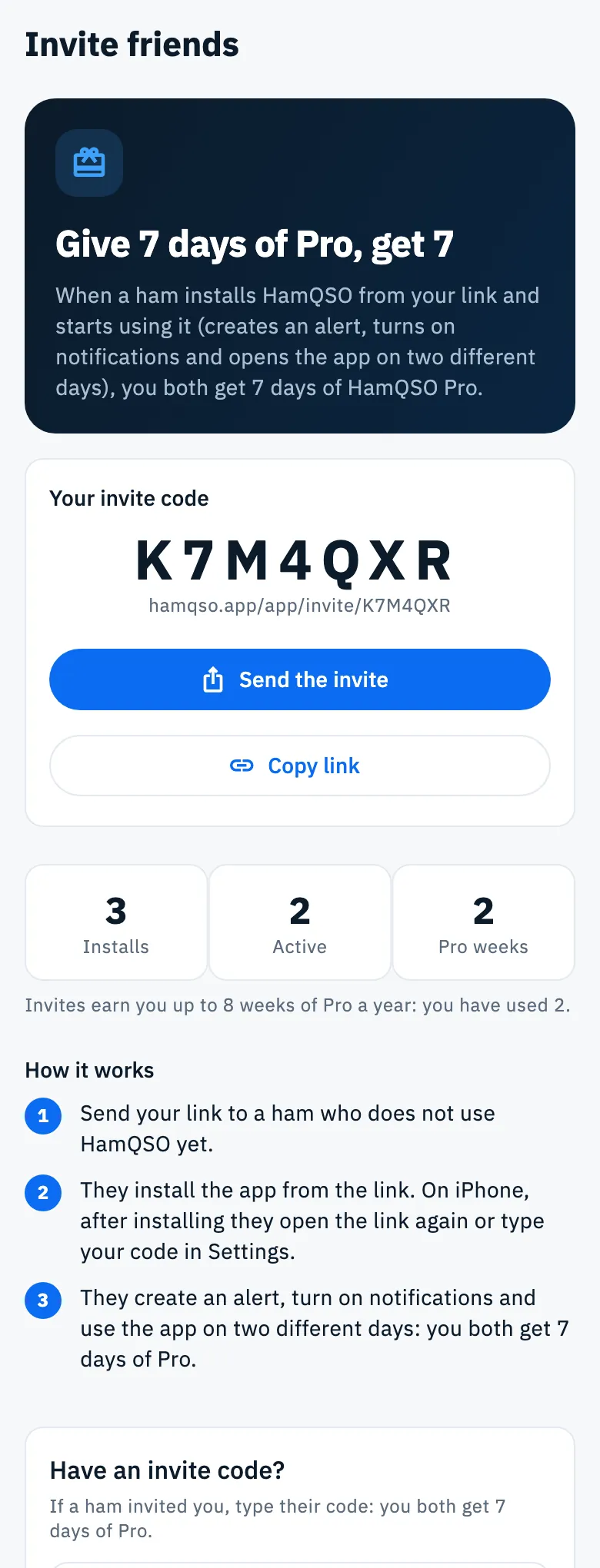
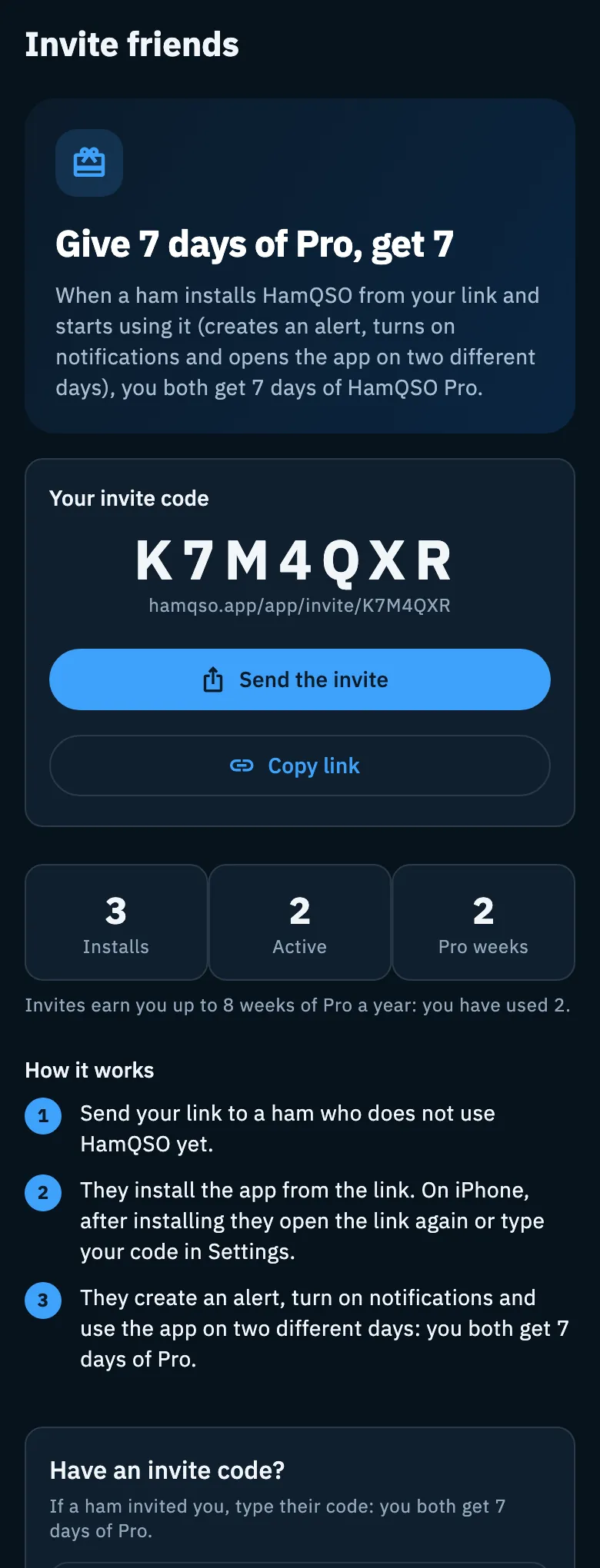
On the page you find:
- Your invite code: 7 large characters (you can select and copy them) and, below, your link
hamqso.app/app/invite/…. - The message of Send the invite: it says what HamQSO is and carries both the code and the link, with the subject "An invite to HamQSO". The code is for friends who install on iPhone.
- How it works, in three steps: you send the link to a ham who does not use HamQSO yet; they install the app from the link; they create an alert, turn on notifications and use the app on two different days.
Pull the page down to refresh the numbers.
When the reward comes
Your friend "starts using" HamQSO when, within 30 days of accepting the invite, they:
- create at least one alert (see Creating an alert);
- turn on notifications (see Getting notifications);
- open HamQSO on two different days (UTC days, at least 20 hours between the first and the last opening).
Then you both get 7 days of Pro. A friend using your same device does not count.
Your invites and the yearly limit
Below the code (on tablet, web and desktop in the right column) there are three counters:
| Counter | What it counts |
|---|---|
| Installs | Friends who installed HamQSO with your code |
| Active | Those who started using the app |
| Pro weeks | The weeks of Pro you earned with invites (one reward is one week) |
Invites earn you up to 8 weeks of Pro a year (counted over the last 365 days). The note below the counters says how many you used: "Invites earn you up to 8 weeks of Pro a year: you have used 2."
When you reach the limit you read "You reached this year's Pro weeks: your code is paused until some free up." While your code is paused it takes no new friends, and a friend who already accepted it and becomes active in that time gets no Pro days (and neither do you).
You received an invite
An invite works only for a new account: in the first 7 days of your account, and once per account.
From your friend's link
- Open the
hamqso.app/app/invite/…link your friend sent. If HamQSO is not installed, the site opens with the store buttons. - On the page "You got an invite" tap Accept invite from … (with your friend's code), or No, thanks to go back to the home.
- Wait for "Activating the invite…".
- If all goes well you read "Welcome to HamQSO!": tap Create your first alert to open the Alerts tab.
If the invite cannot be used, the page says why (see Troubleshooting below) with Go to the app and Invite your friends; without a connection there is Retry. The X at the top goes back to the home.
- Android: if you install from the link, the Play Store hands the code to the app and the invite applies by itself at the first launch.
- iPhone: the App Store does not hand over the code. After installing, open your friend's link again, or type the code.
Typing the code
- Open Profile and tap Invite friends.
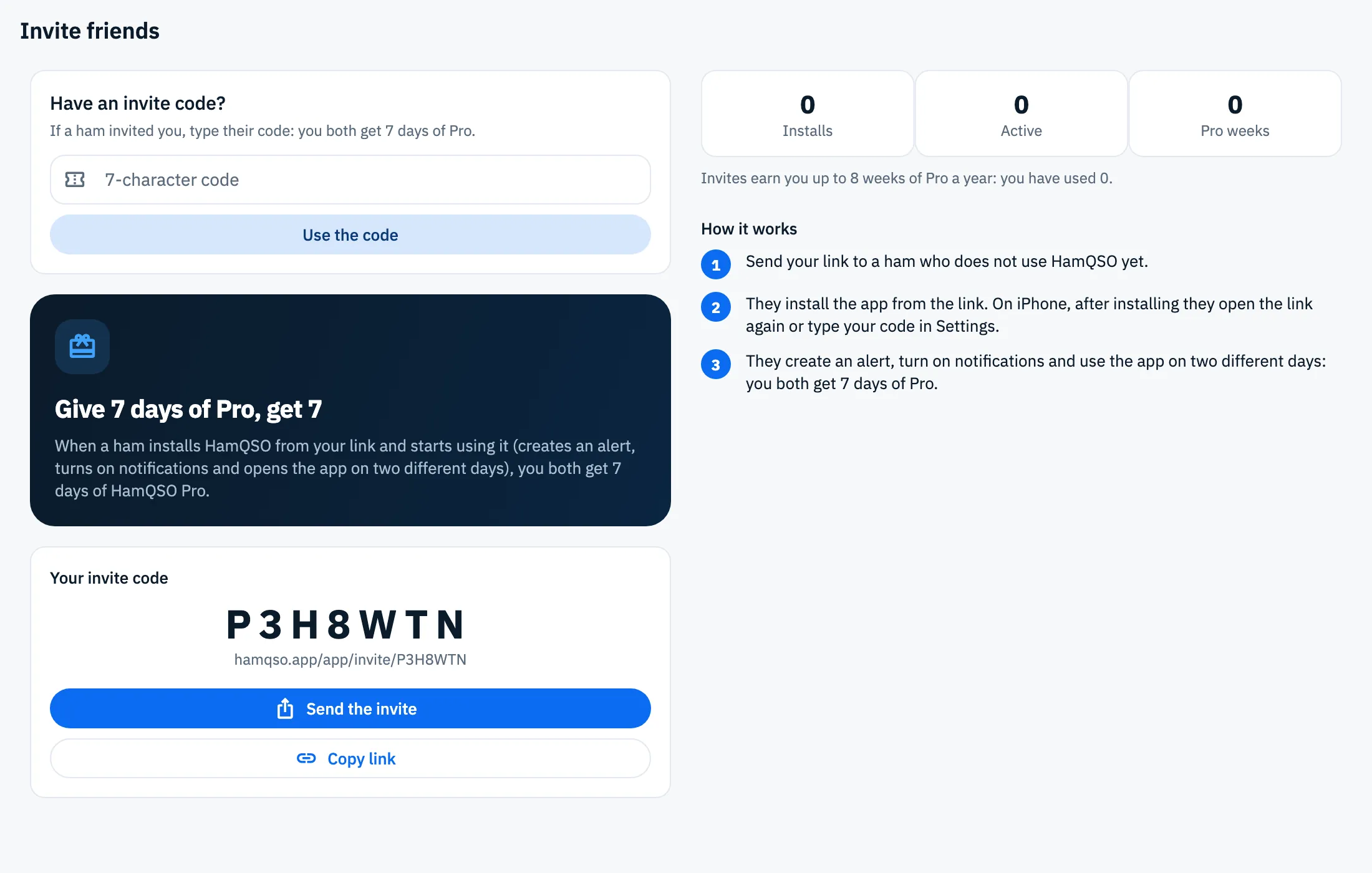
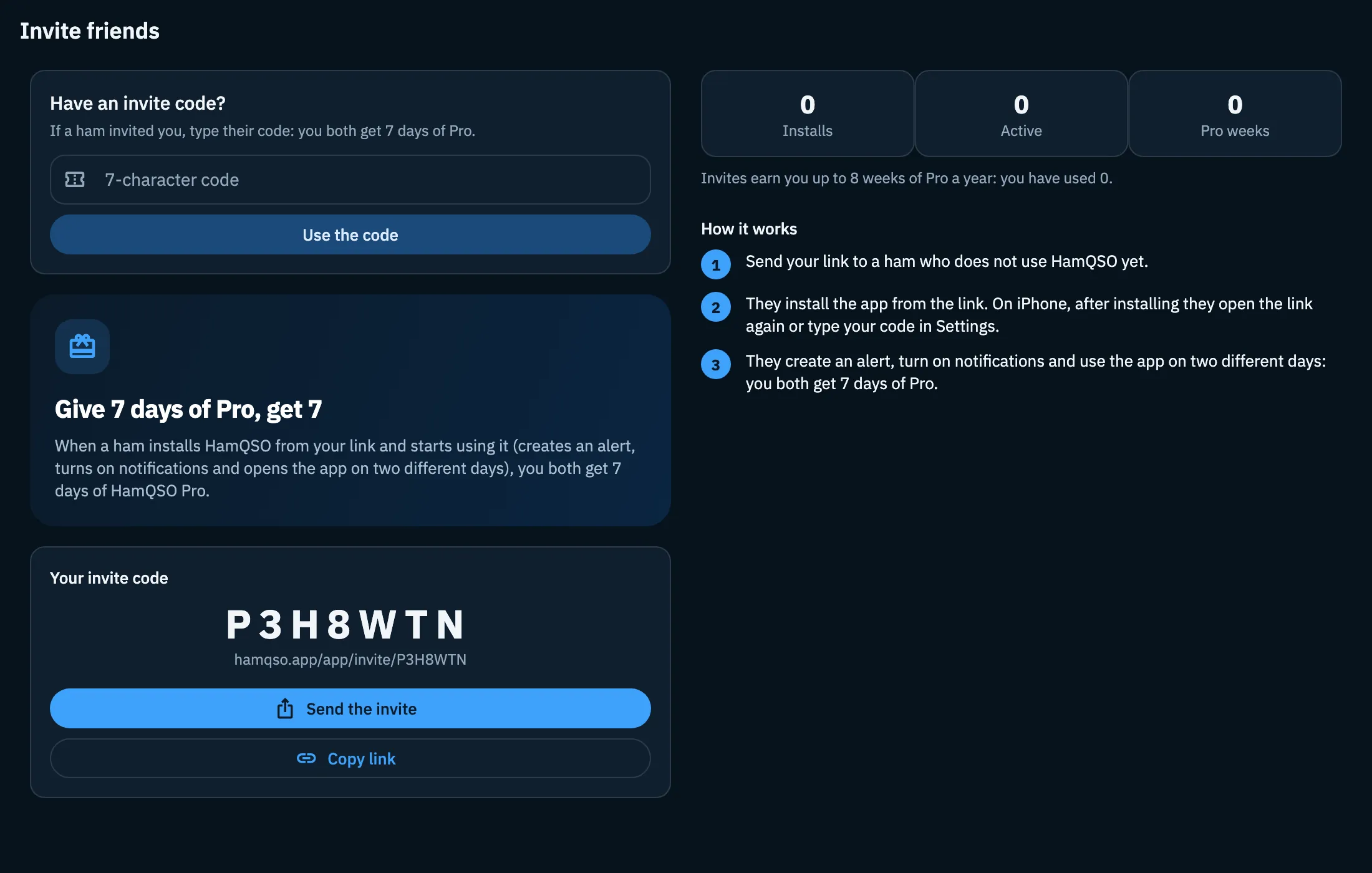
- In the card Have an invite code? (at the top for a new account, otherwise at the bottom of the page) type or paste the code in the 7-character code field.
- Tap Use the code (or Enter).
- The outcome appears below the button: "Welcome to HamQSO!" when it worked, otherwise the reason.
The field also takes lowercase letters, dashes and a whole pasted link: the app picks the code out of it.
Your welcome reward
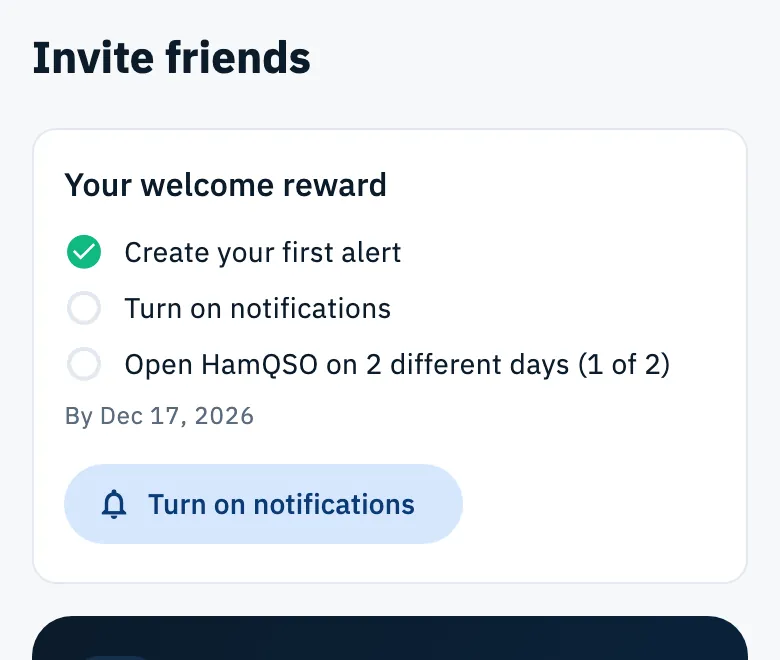
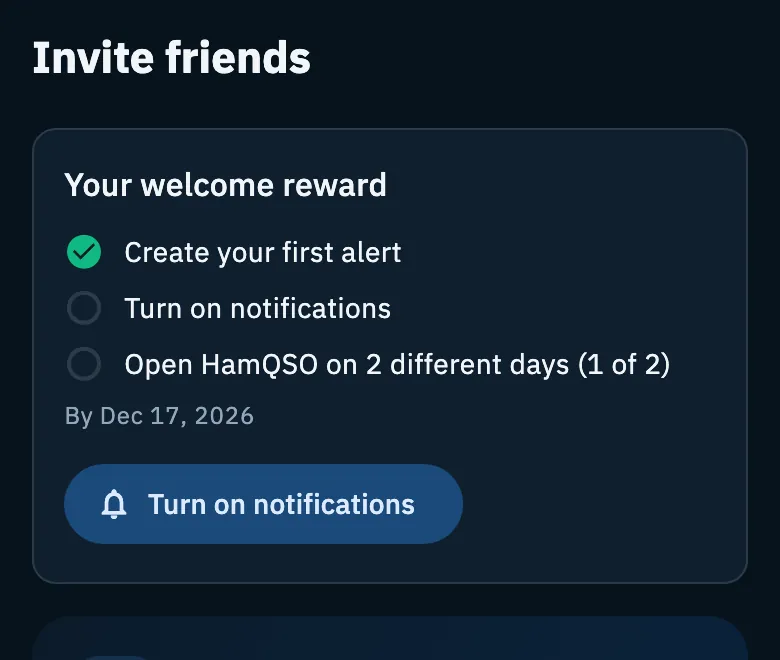
If you came with an invite, at the top of Invite friends there is the card Your welcome reward with the steps to complete. Every step done has a green tick.
- Create your first alert.
- Turn on notifications.
- Open HamQSO on 2 different days (1 of 2): the count goes up by itself when you open the app or bring it back to the foreground.
Below the steps are the deadline ("By …") and a button for the next step to do: Create your first alert opens the Alerts tab; once the alert exists, Turn on notifications asks for the notification permission. The days need no button.
When you are done, the card tells where the reward is:
| Message | What it means |
|---|---|
| "Reward unlocked: 7 days of Pro for you and for the friend who invited you." | The days are on your account |
| "Reward unlocked: it reaches your account within a few minutes." | The days are on their way |
| "Reward unlocked: the 7 days of Pro are added when your subscription stops renewing." | You already have a paid subscription that renews: the days are kept aside |
| "The code you came with reached this year's reward limit: no Pro days this time." | Your friend's code was at its yearly limit |
| "The time for the welcome reward is over." | The 30 days passed without completing the steps |
When the Pro days arrive
When the days of an invite reach your account, a window "You have 7 days of HamQSO Pro" appears over any screen, with the date your Pro lasts until. If several rewards arrive together, the days add up.
- Tap Great to close it.
- Tap Invite more friends to open Invite friends.
With notifications on, you also get a notification when one of your invites pays off: tap it to open Invite friends.
30% off HamQRG
- Open Profile.
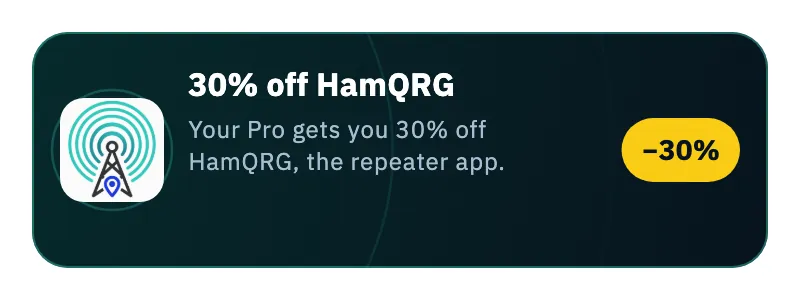
- Tap the card 30% off HamQRG (with the −30% badge).
- The app prepares a personal link and opens HamQRG (or its site) with the discount ready.
If something goes wrong, a message appears at the bottom: "The discount is for annual or Lifetime Pro members." or "Couldn't prepare the discount. Try again shortly."
The HamQRG discount on HamQSO
HamQRG Pro members pay 30% less for HamQSO Pro: the first year of the Yearly plan, or Lifetime forever. The Monthly plan has no discount.
- In HamQRG, from the profile, open the discount link for HamQSO.
- HamQSO opens: wait for "Unlocking your discount…".
- At "30% discount unlocked" (below the "From HamQRG to HamQSO" label) tap Choose your plan. If you are already Pro the button is Go to HamQSO.
- On the subscription page choose Yearly or Lifetime and buy. After buying you are back at the home.
When the discount unlocks, the icons of the two apps play a short animation with a vibration; with the system option to reduce motion the animation does not play.
The discount stays on your account until you use it: every time you open the subscription page you find the discounted plans (see Subscribing to HamQSO Pro):
- at the top, in place of the Pro badge, the ribbon "HamQRG discount active: −30%";
- Yearly: the discounted price with the full price struck through, the note "−30% the first year" and, below the button, "… the first year, then …/year. Cancel anytime.";
- Lifetime: the discounted price, with the full price struck through, and the "−30%" badge;
- the buy button turns gold.
Free and Pro
Everyone can invite friends, use an invite and get the Pro days, even without Pro: the reward is the Pro days themselves (see What HamQSO Pro includes). The HamQRG discount is only for paid annual or Lifetime Pro; the discount from HamQRG applies to buying HamQSO Pro.
Phone, tablet, web and desktop
- Phone: Invite friends is a single column.
- Tablet, web and desktop: two columns. On the left the welcome reward, the code field (for a new account), the introduction and your code; on the right the counters, How it works and, for other accounts, Have an invite code?.
Troubleshooting
"You need a connection to invite." The Invite friends page needs a connection. It reloads by itself when the network is back.
"Your invites could not be loaded. Check the connection." Tap Retry.
The outcomes of an invite code or link:
| Message | What to do |
|---|---|
| "Invalid code" | Check the code (7 characters), or ask the friend who invited you for the link again |
| "That is your code" | You cannot use your own code: send it to a friend |
| "You already used an invite" | Each account can use one invite code |
| "Invites are for new users" | A code works in the first days after installing. You can still invite your friends |
| "Invite not available on this device" | An invite was already used on this device, or it belongs to the friend who invited you |
| "Code paused" | Your friend's code reached its invite limit for now: try later or use another friend's code |
| "Too many attempts" | You tried too many codes: try again tomorrow |
| "Invite not activated" | Network or server problem: check the connection and try again |
The outcomes of the discount link from HamQRG:
| Message | What to do |
|---|---|
| "Link already used" | Get a new link from HamQRG, in your profile: the Open HamQRG button opens HamQRG (or its site) |
| "Link expired" | Discount links last 30 minutes: open a new one from HamQRG with Open HamQRG |
| "Invalid link" | The link is incomplete: open it again from HamQRG with Open HamQRG |
| "Discount already used" | The discount works once per account. Go to HamQSO goes back to the app |
| "No connection" | Check your connection and tap Try again |