
Automatic respot and QSY
Repeat your spot on POTA and WWFF every 10 minutes during an activation, and spot yourself again with one tap when you change frequency or mode.
FreeUpdated for HamQSO 0.1.19
On this page
During a POTA or WWFF activation HamQSO can send your spot again every 10 minutes, so it stays recent on the POTA and WWFF lists. When you change frequency or mode, it offers to spot you again on the new frequency with one tap.
When they are available
The automatic respot and the QSY prompt appear on the operation page when:
- the operation is the one in use, in its UTC day;
- it is an activation with at least one POTA park or WWFF area (with SOTA summits only they do not appear);
- you have already spotted this activation on POTA or WWFF.
The respot chip is the last one on the right in the chip row of the entry bar; the QSY prompt appears above the chips. To create the activation see Activating a POTA park or a SOTA summit.
Turning on the respot every 10 minutes
- Open the operation of your activation in the Log.
- Tap Spot: on a phone it is the megaphone icon at the top of the page, on a tablet and a computer the button at the top of the side bar (on a computer also the S key).
- Choose I'm on the air, keep POTA or WWFF selected under Send to and tap Announce on 2 networks (the number follows the networks you choose).
- For one minute after the spot the Respot every 10 min chip appears. Tap it.
- The chip turns green and shows the minutes to the next respot, for example 7 min; in the last minute it says under 1 min.
- To turn it off, tap the chip again.
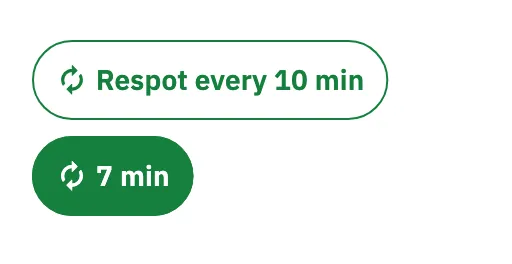
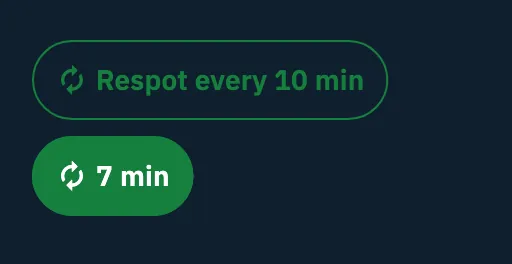
The chip also appears after a spot made without network and still queued, and after a spot sent from the QSY prompt. If the minute passes without a tap, the chip goes away: you need a new spot to turn it on.
What the respot does
- It repeats the same spot: callsign, frequency, mode, references and comment of the last spot.
- It goes only to POTA and WWFF, to the networks the last spot went to. It never goes to the DX Cluster or to the live page, so HamQSO followers get no new notification.
- The 10 minutes count from the last spot or the last respot. The interval is fixed, it is not a setting.
- The app never sends more than one spot a minute.
When it turns itself off
The respot stays on only while you are on the spotted frequency. It turns off, and the chip goes away, when:
- the connected radio moves by more than 1 kHz in phone (SSB, AM, FM) or by more than 0.5 kHz in CW and digital modes;
- you change mode;
- without a radio, you type in the entry bar a frequency or a mode other than the spot's.
It is also off every time you open the operation page again, and it works on this device only. When you end the activity with Close operation and confirm, the respot turns off and the QRT goes out (see Closing, reopening and deleting an operation).
Without a radio
The respot also works with no radio connected: then the frequency and mode that count are the ones typed in the entry bar. Until you type anything, the app takes you as still on the spotted frequency.
The states of the chip
On a tablet (from 840 points wide) and on a computer the chip uses longer texts; on a phone the short ones.
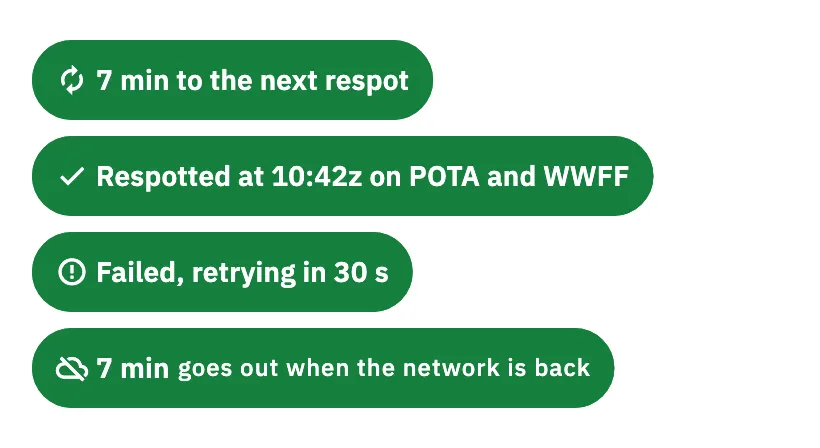
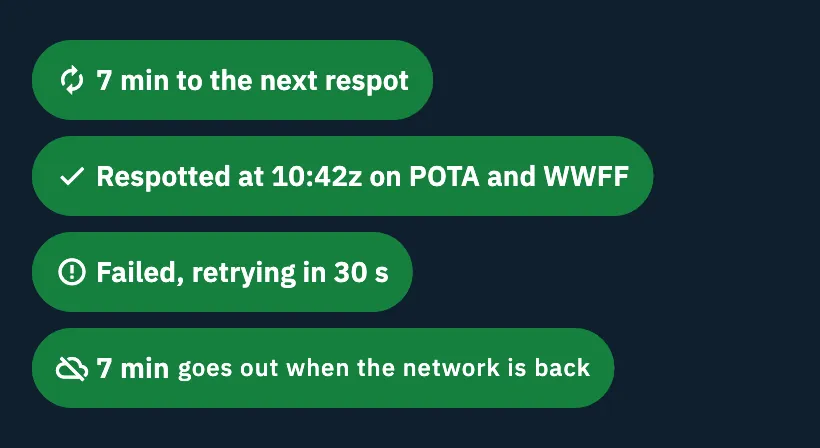
| State | Phone | Tablet and computer |
|---|---|---|
| Offered after a spot | Respot every 10 min | Respot every 10 min |
| On | 7 min | 7 min to the next respot |
| Last minute | under 1 min | under 1 min to the respot |
| Sending | Sending… | Sending the respot… |
| Just respotted (6 seconds) | the UTC time, for example 10:42z | Respotted at 10:42z on POTA and WWFF |
| Respot failed | retrying | Failed, retrying in 30 s |
| Offline | the minutes and goes when online | the minutes and goes out when the network is back |
| Offline, respot due | Goes when online | Respot ready, goes out when the network is back |
Offline the chip keeps counting. The respot is not queued: it goes out as soon as the network is back. If a spot of your activation is already waiting in the queue, the one that goes out counts as the respot and the 10 minutes start again from it (see Spots sent while offline).
Spotting yourself again after a QSY
When you change frequency or mode after a spot, a prompt appears above the chips:
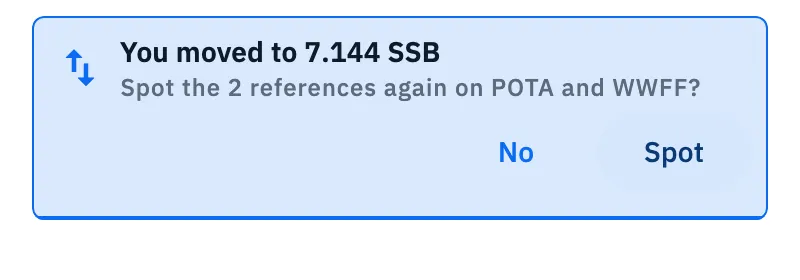
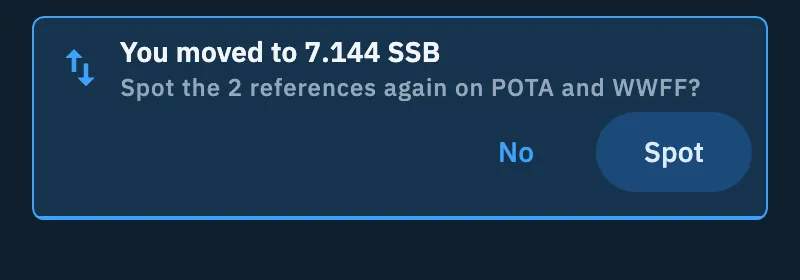
- You moved to 7.144 SSB when you changed frequency;
- You switched to CW on 14.285 when you only changed mode, within 1 kHz of the spotted frequency.
Under it is the question Spot it again on POTA? (or Spot the 2 references again on POTA and WWFF? when the activation has more references).
- Change frequency or mode.
- With a connected radio, the prompt appears when the radio stays on the new frequency for 60 seconds.
- Without a radio, it appears when you save the first QSO on a frequency or mode other than the spot's.
- Tap Spot to send the spot with the comment «QSY», or No to ignore it.
- To change the spot before sending it, tap the text of the prompt: I'm on the air opens with the comment «QSY», ready to edit.
The spot of the prompt goes to the same networks as the last spot (POTA, WWFF or both) and also updates your live page (see The activation live page), without a new notification to your followers. It becomes the new last spot: the Respot every 10 min chip comes back for a minute, if you want the respot on the new frequency.
More rules of the prompt:
- If you do not answer, it goes away after 60 seconds and counts as No; a thin bar at the bottom shows the time left.
- A frequency and mode you answered No to are not offered again until the next spot or until you open the operation page again.
- With a screen reader or switch access the prompt never times out and waits for your answer. With the system option «Reduce motion» it appears and goes without an animation.
| Message | What it means | Buttons |
|---|---|---|
| Sending the spot… | The spot is going out. | None |
| The spot goes in 30 s | Less than a minute has passed since the last spot: it goes by itself when the time is up. | Cancel |
| Spot failed on POTA. | The spot could not be sent. | No, Retry |
| Spot queued: it goes out when the network is back. | You are offline: the spot is queued. | None |
Free and Pro
The automatic respot and the QSY prompt are free.
Phone, tablet, computer and web
They work the same on every platform. Only where you find Spot changes, the texts of the chip (short on a phone, long on a tablet and a computer) and the layout of the QSY prompt: buttons under the text when space is narrow, on the same line when it is wide.
Troubleshooting
The «Respot every 10 min» chip does not appear. Check that the operation is the one in use, that it is an activation with a POTA park or a WWFF area, and that the last spot went to POTA or WWFF (a spot sent to HamQSO only does not count). The chip stays only for a minute after the spot: if it is gone, spot again from I'm on the air.
The chip went away while it was on. The radio or the entry bar left the frequency or mode of the spot. Spot yourself on the new frequency (from the QSY prompt or from I'm on the air) and turn the chip on again.
The chip says «retrying» or «Failed, retrying in 30 s». The last respot did not go out: the app tries again by itself after 30 seconds, and the respot stays on.
The chip says «goes when online». You are offline: the countdown goes on and the respot goes out when the network is back. See Using HamQSO offline.
«Spot failed on POTA.» Tap Retry, or No to let it go.
«The spot goes in … s». You sent a spot less than a minute ago: wait for it to go by itself, or tap Cancel.
No respot went out for a while. The respot goes out only with the app open on the operation page: if you left it in the background, it goes out when you come back.