
Saving and sharing a test
Save a coverage test on your account with its radio, antenna and power, then share it as an image or as a link to a public page.
Free and ProUpdated for HamQSO 0.1.19
On this page
A coverage test is not saved by itself: until you tap Save, it lives only in the result in front of you. Once saved, you find it in My coverage on phone, tablet and web, and you can share it as an image or as a link to a public page on hamqso.app.
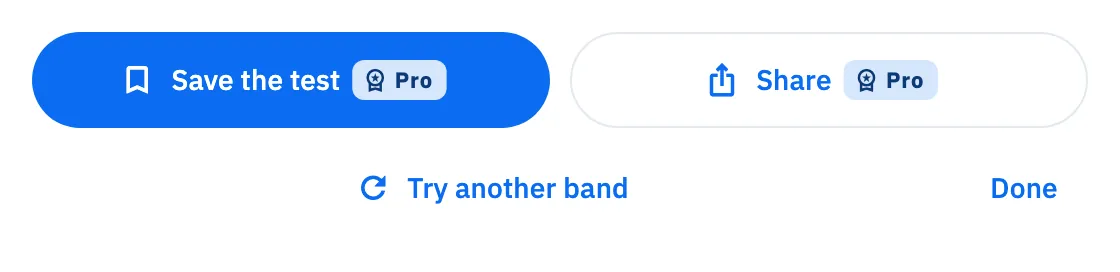
Under the result there are Save the test and Share. If you are not Pro, both buttons carry the Pro badge (see "Free and Pro" below).
Saving the test
- At the end of the test, in the result, tap Save the test.
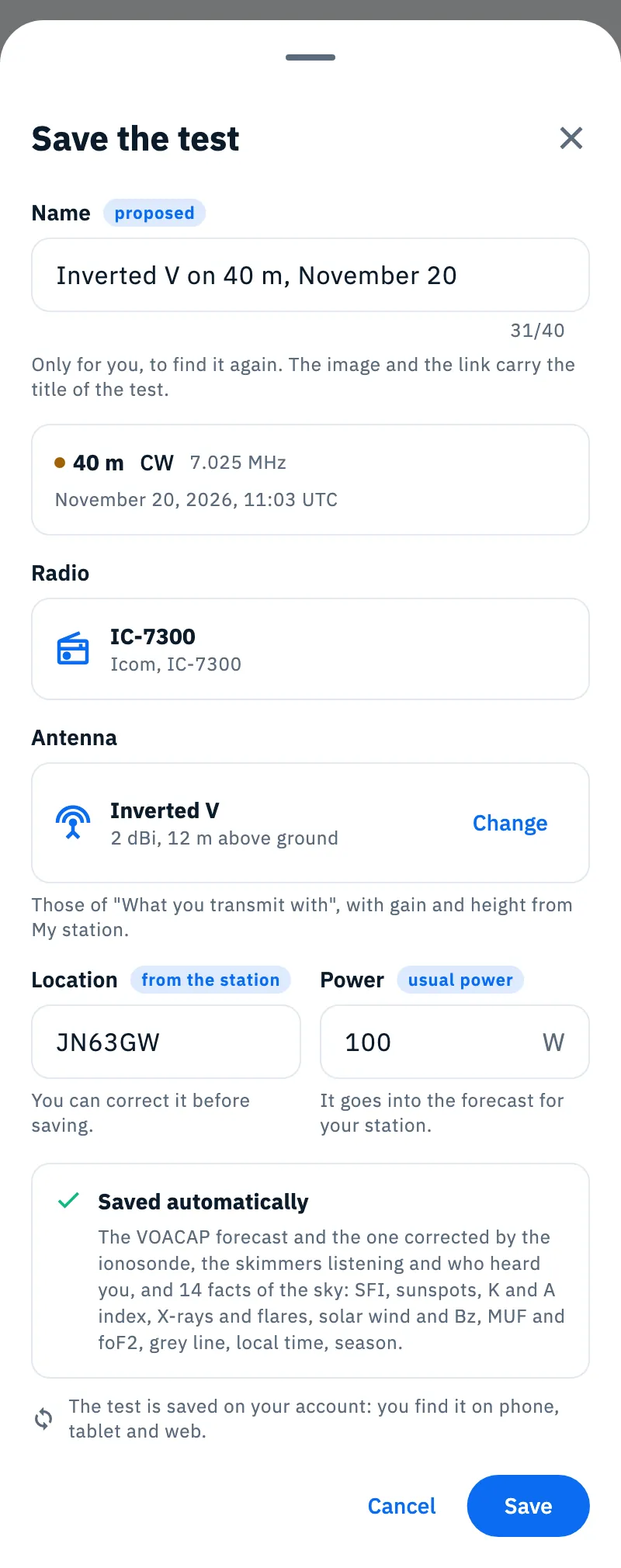
- Check the Name. The app proposes one, tagged proposed; if you change it, the tag becomes edited.
- Check Radio and Antenna. With Change (or Choose, when there is no antenna) you pick another antenna of your station.
- Check Location and Power.
- Tap Save. "Test saved" appears: tap See to open the saved test.
Once saved, the Save the test button of the result shows a tick and can no longer be tapped.
What is in the sheet
| Field | What it does |
|---|---|
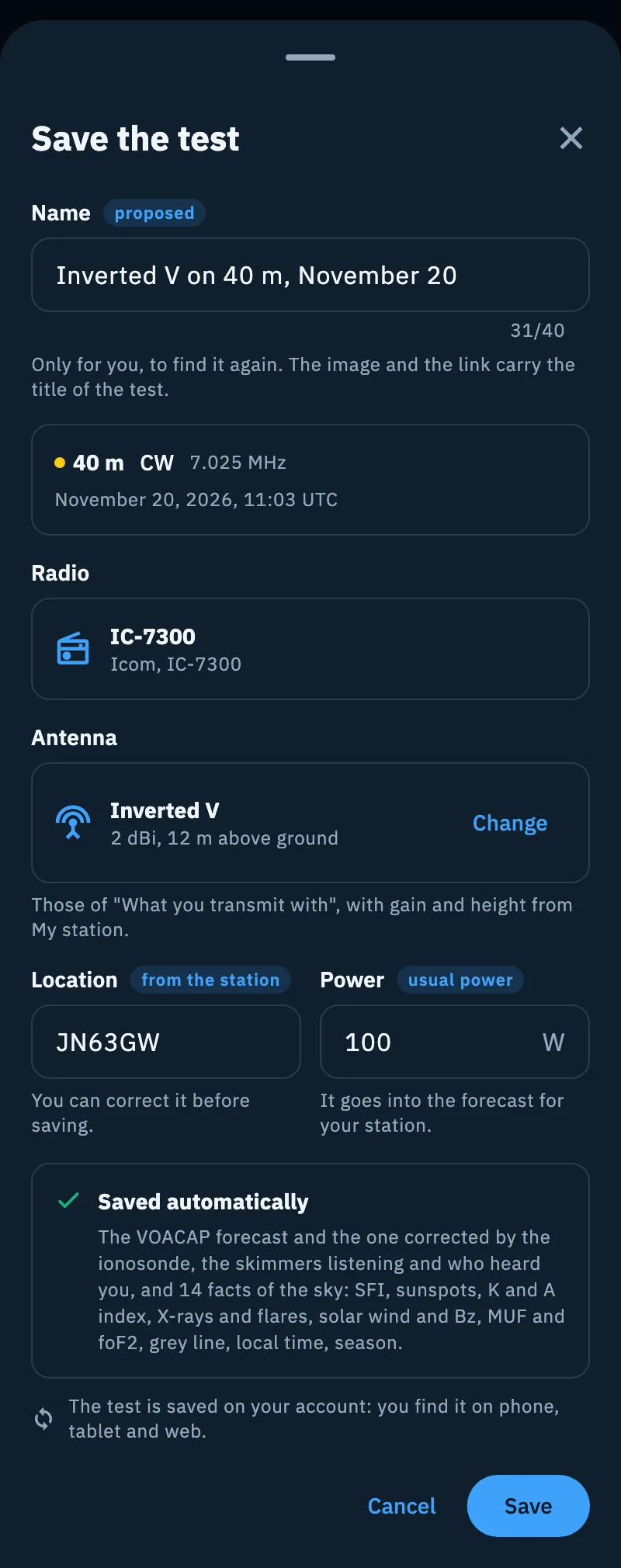
| Name | The name you find the test by. It is only for you: the image and the link carry the title of the test, never the name. At most 40 characters. If you empty it, "Empty: the proposed name comes back." |
| Band, CW, frequency and time | The band, the frequency and the day and time of the test, in UTC ("November 6, 2026, 21:40 UTC"). |
| Radio | The active radio, with brand and name; "No radio" when there is none. |
| Antenna | The antenna you made the test with, with gain in dBi and height above ground; "No antenna" when there is none. Change or Choose appear when you have antennas in My station. |
| Location | The locator of the test, with where it comes from: "from the operation", "from the station", "from GPS" or "entered by you". You can correct it before saving (the source becomes "entered by you"): it needs a 4 or 6 character locator. |
| Power | The watts. When they come from the radio, the tag says usual power; it disappears if you type another value. It goes into the forecast for your station. |
| Saved automatically | With the test, the app saves the VOACAP forecast and the one corrected by the ionosonde, the skimmers listening and who heard you, and 14 facts of the sky (SFI, sunspots, K and A index, X-rays and flares, solar wind and Bz, MUF and foF2, grey line, local time, season). |
The proposed name starts from the antenna when there is one, otherwise from the radio, otherwise from the word "Test": for example "Inverted V on 40 m, November 6" or "Test on 40 m, November 6". When you already have a test with the same antenna (or radio), the same band and the same UTC day, the name adds the time: "Inverted V on 40 m, November 6, 21:40 UTC". If you change the antenna and have not touched the name, the proposed name follows the new antenna.
Sharing the image
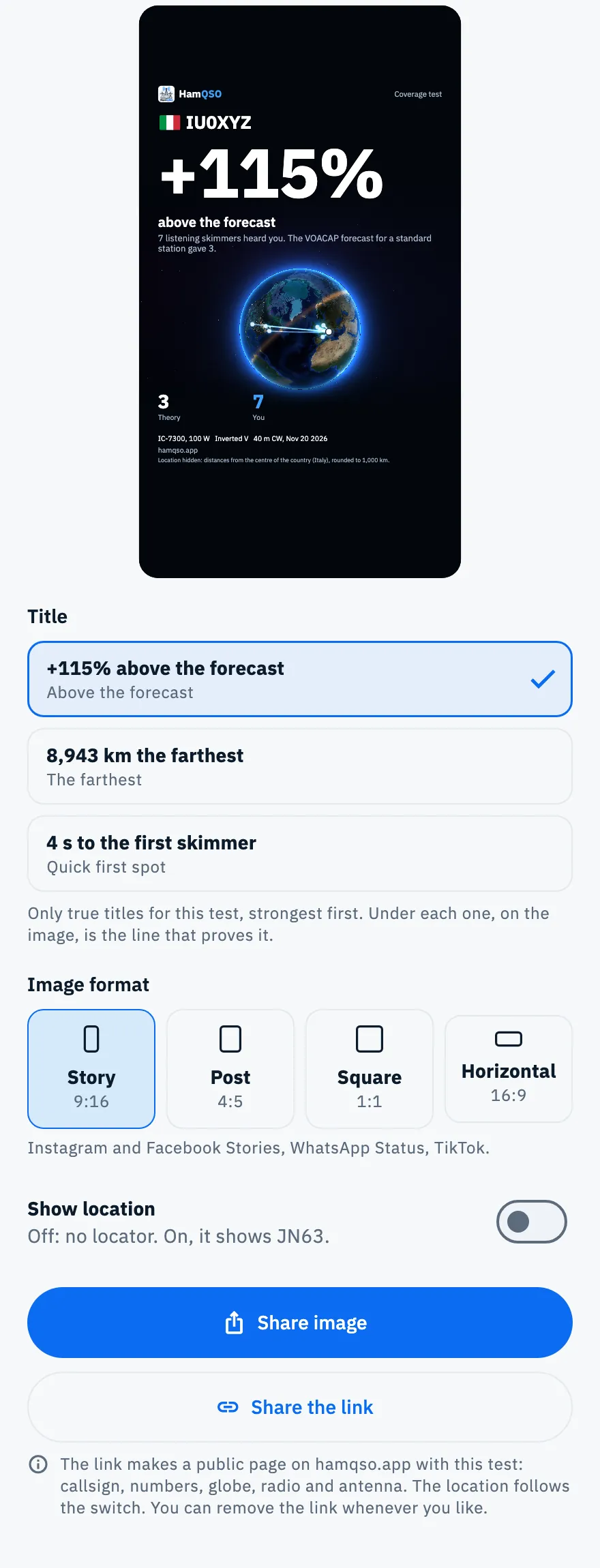
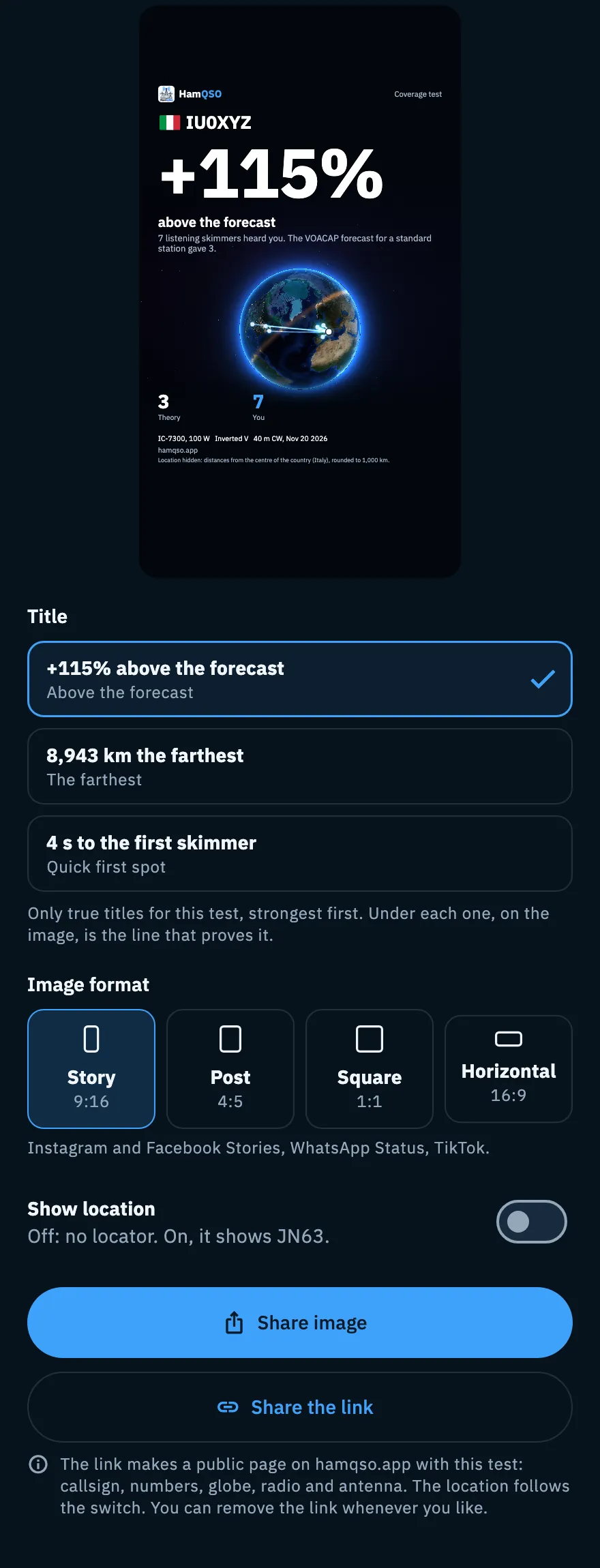
The image is made for social networks: the big number of the title with the line that proves it, the globe with the arcs towards who heard you, the levels of the test ("Theory", "Today's sky", "You", only those the test may show), radio, power, antenna, band and date, and the logo with hamqso.app. Callsigns and countries carry their flag.
- Tap Share in the result, or Share in a saved test of My coverage.
- Under Title, choose one of the sentences offered. They are only true titles for this test, up to four, strongest first.
- Under Image format, choose the format (see the table).
- Turn Show location on or leave it off.
- Tap Share image: the system share sheet opens. On the web the button is Download the image and the file is downloaded.
| Format | Ratio | Where it fits |
|---|---|---|
| Story | 9:16 | Instagram and Facebook Stories, WhatsApp Status, TikTok |
| Post | 4:5 | Instagram and Facebook feed |
| Square | 1:1 | Feeds, X, LinkedIn, groups and forums |
| Horizontal | 16:9 | X, LinkedIn, YouTube, websites and chats |
The format you start with is Story.
Show location
The switch applies to the image and to the public page. It is off the first time, and the app remembers your choice.
- Off: no locator. Distances start from the centre of the country of your callsign and are rounded to 1,000 km; the image says so in a note ("Location hidden: distances from the centre of the country…"). With a callsign without a country (for example /MM) there are no distances.
- On: the image shows the 4-character square of the locator (for example JN63), and distances start from its centre. The 6-character locator never appears.
Sharing the link
The link makes a public page on hamqso.app (an address like hamqso.app/t/K7Q2MXR4TB) with the test: callsign, numbers, globe, radio and antenna. When you paste the link in social networks and chats, a preview appears. Search engines do not index the page.
- Save the test: the link comes only from a saved test.
- Open Share, choose the title and the location.
- Tap Share the link: the system share sheet opens with the title of the test and the link. On the web the button is Copy link and "Link copied" appears.
The page uses the title and the Show location switch you chose when you create the link. To change them later, close Share, open it again and share the link again: the address stays the same.
Removing the link
- After you share or copy the link, Remove the link appears in the sheet: tap it.
- "Link removed" appears. If you change your mind, tap Undo: the link comes back, with the same address.
To remove a link made another time, open Share for the test and first tap Share the link (you can close the system share sheet without sending anything): the address is the same and Remove the link appears.
Each test has one link only: even if you remove it and make it again, the address does not change.
Free and Pro
Your first coverage test is free and shows everything, forecast included (see Running a coverage test). The app remembers on this device that you made it.
When you leave the result of the free test, the paywall opens by itself with the result of your test: date, band, how many skimmers heard you and the farthest one. This happens only if no paywall has opened yet in this session. After the free test, Run the test (with the Pro badge) opens the paywall before a new test.
Phone, tablet and web
- Phone: Save the test and Share open as a sheet from the bottom.
- Tablet and large windows (web, desktop): they open as a window in the middle of the screen.
- Web: Download the image instead of Share image, Copy link instead of Share the link.
Troubleshooting
- "I cannot save the test. Try again.": saving did not work. Tap Save again.
- Save is greyed out: the locator in Location is not valid ("Type a 4 or 6 character locator, for example JN45 or JN45ON."). Correct it.
- "The link comes from the saved test: save it, then share the link.": you opened Share from a test not saved yet, and Share the link is greyed out. Close the sheet, tap Save the test, then Share again.
- "I cannot make the link. Try again.": the server did not make the page, for example without a network or when the Pro subscription is not active. If the test had not reached the server yet, the app syncs it and tries once more by itself. Tap Share the link again when you are online.
- "I couldn't create the image": tap Retry. With a saved test you can also tap Go to the text to send the text with the link.
- No title and no preview: the test has no title to share, for example because no skimmer heard you. Share image and Share the link stay greyed out.
- The preview shows the globe without the map or without flags: the app could not load them; the image is made all the same.